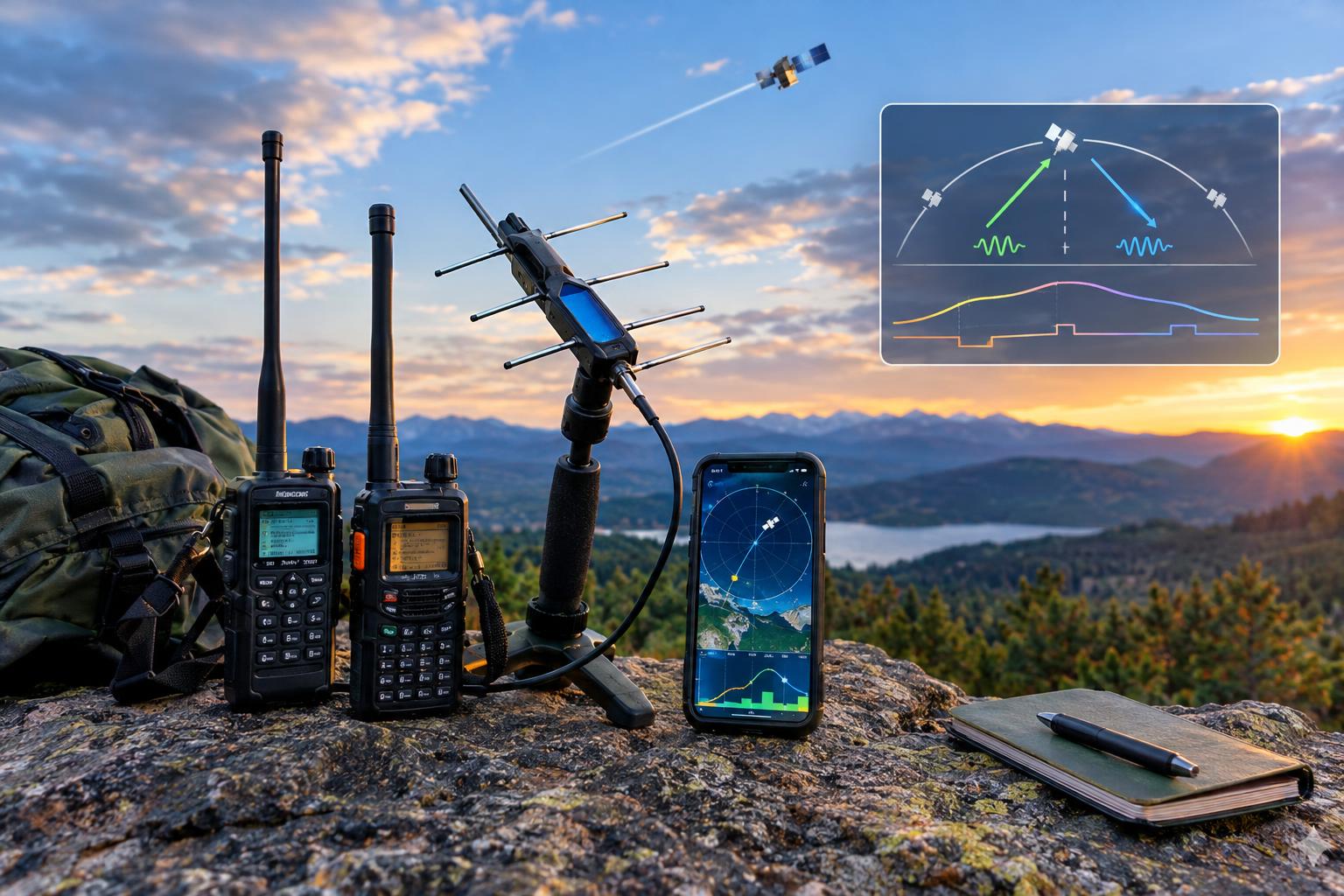
Start with the right goal: one clean FM satellite QSO
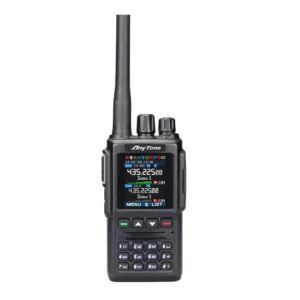
If you are learning how to work amateur radio satellites, your first goal should not be a rare grid, a long ragchew, or a perfect recording. Aim for one brief, accurate FM contact through an active satellite using modest gear: a dual-band handheld or mobile radio, a small directional antenna, current satellite status information, and a prepared logging method.
FM satellites are often described as “repeaters in space,” but they are not as forgiving as a local repeater. The pass may last only 8 to 14 minutes, Doppler shift changes the apparent frequency, the footprint may cover thousands of miles, and many stations may be trying to use one shared channel. Preparation matters more than transmit power.
The key is to verify that the satellite is actually usable today, choose a pass with favorable elevation, program uplink and downlink memories before you go outside, and keep your exchange short. The process below is written for U.S. operators, but the technical workflow applies broadly. Always confirm your license privileges, frequency allocations, power limits, and local regulations for your jurisdiction.
Step 1: Verify what is active before you plan the pass
Do not assume a satellite listed in an old chart, radio memory file, or video tutorial is currently operational. Amateur satellites change modes, go silent, enter experimental schedules, or become temporarily unavailable. In 2026, the practical starting point is still AMSAT’s current satellite information.
- Check the AMSAT Live OSCAR Satellite Status Page for FM satellites. AMSAT’s live FM satellite list was updated October 31, 2026, and is intended to help operators see which FM birds are being reported active.
- Check the broader AMSAT satellite status pages for recent user reports. Look for multiple recent observations, not a single stale report.
- For International Space Station amateur-radio modes, check authoritative ARISS information such as the ARISS APRS page before planning for APRS or packet operation.
A useful status report does not merely say “heard it once.” For an FM voice QSO, you want evidence that the transponder or repeater mode is on, that stations are getting through, and that any required access tone or mode note is current. If reports are mixed, pick another pass or another satellite. Your first attempt is not the time to troubleshoot an uncertain spacecraft schedule.
Step 2: Pick a pass that helps you succeed
After selecting a currently active FM satellite, use your preferred satellite tracking app or desktop program to find passes for your exact location. Enter your latitude, longitude, and time zone accurately. A difference of several miles is usually tolerable for casual operating, but a wrong location or clock setting can make the satellite appear in the wrong part of the sky.
For a first FM voice contact, choose a pass with these traits:
- Maximum elevation of at least 25 to 30 degrees. Higher is often easier because the path is shorter and local obstructions matter less.
- A clear horizon path. A lower pass over open ground can beat a high pass blocked by buildings, trees, or a hill.
- Reasonable timing. Avoid your very first try during a widely announced event, weekend pileup, or pass covering a dense operator area if you can.
- Comfortable setup time. Be outside, radio checked, recorder running, and antenna oriented before acquisition of signal.
The terms AOS, TCA, and LOS are worth learning. AOS is acquisition of signal, when the satellite rises above your local horizon. TCA is time of closest approach, often near the highest point of the pass. LOS is loss of signal. Most beginner mistakes happen because the operator starts programming, logging, or aiming after AOS instead of before it.
Step 3: Understand the FM satellite signal path
An FM satellite normally listens on one band and retransmits on another. Many popular FM satellites use a VHF/UHF crossband arrangement, but the exact uplink, downlink, mode, and access tone must be confirmed from current sources. Do not blindly copy frequencies from an old memory file.
In satellite terminology, your uplink is the frequency you transmit to the spacecraft. The downlink is what you receive from the spacecraft. A CTCSS tone may be required on the uplink to access the FM repeater. Some satellites also have mode schedules, power-management behavior, or special notes from the control operator community.
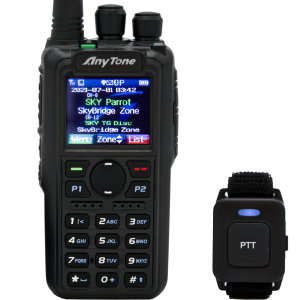
Full-duplex operation, where you can hear the downlink while transmitting, is strongly recommended. It lets you know whether you are actually getting into the satellite and whether you are doubling with another station. Many handheld radios are not true full duplex across VHF/UHF. If yours is not, you can still learn reception and timing, but making courteous contacts is harder because you cannot monitor your own downlink while transmitting.
Step 4: Program Doppler memories before the pass
Doppler shift is the apparent frequency change caused by the satellite’s high relative motion. It is most noticeable on UHF, but it can affect both uplink and downlink. As a simple rule for FM satellite work: program several memory channels that step through the pass rather than trying to spin a VFO under pressure.
Many operators create five memories: beginning of pass, early-middle, center, late-middle, and end of pass. The exact values depend on the satellite’s published uplink and downlink and on whether the UHF side is uplink or downlink. Your tracking software may provide Doppler-corrected frequencies, or you can use a known satellite memory plan from a current, reputable source and verify it against AMSAT notes.
A typical memory set includes:
- Receive frequency adjusted across the pass. If the downlink is on UHF, the receive correction can be several kilohertz from AOS to LOS.
- Transmit frequency adjusted if needed. If the uplink is on UHF, stepping the transmit frequency helps the satellite hear you near the correct channel center.
- Correct tone on transmit. Program the required CTCSS tone only where the current satellite information calls for it.
- Wide FM or narrow FM as appropriate. Use the mode recommended for that satellite and your radio’s capabilities.
- Clear labels. Name memories in pass order so you are not decoding cryptic channel names in the dark or cold.
For FM satellites, you usually do not need laboratory precision. You need to be close enough that the receiver captures your signal cleanly without splattering or fighting the passband. If the downlink sounds distorted or weak when the antenna is aimed well, step to the next Doppler memory and listen again.
Step 5: Assemble a modest first station
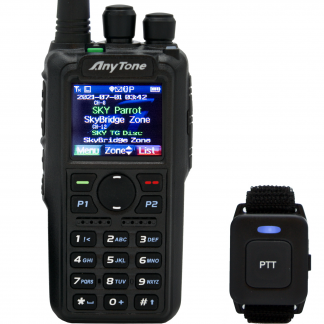
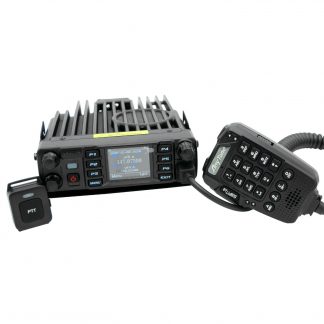
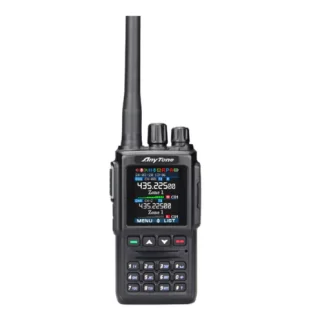
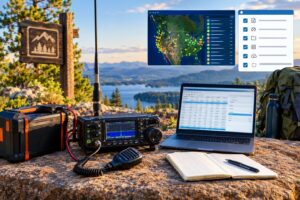
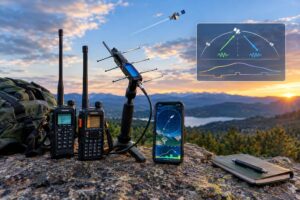
A common first setup is a dual-band HT, a handheld directional antenna, headphones or an earbud, and a phone or recorder to capture the pass. A small directional antenna helps far more than excessive transmit power. Many successful FM satellite QSOs are made with handheld equipment, but the operator’s preparation and antenna handling are what make it work.
Before the pass, check:
- Battery charge. Cold weather can reduce battery performance. Start with a known-good battery.
- Coax and connectors. Handheld antennas get moved constantly. A loose adapter can ruin an otherwise good pass.
- RF power setting. Use the minimum power that reliably gets through. More power does not create more channels on a crowded FM satellite.
- Recording method. Recording your received audio helps you log call signs and grid squares accurately after the pass.
- Paper backup. A small notepad survives sun glare, dead phone batteries, and frozen fingers.
Safety matters. Do not point a transmitting antenna near someone’s face or body at close range, especially with higher-power mobile gear. Follow RF exposure requirements, maintain awareness of your surroundings, and avoid operating while walking near traffic, cliffs, rooftops, or wet electrical hazards. If you use a mast or larger antenna, consider overhead power lines, wind, lightning risk, and mechanical stability.
Step 6: Listen first, then transmit briefly
At AOS, point the antenna toward the predicted direction and listen. Rotate the antenna slowly for best signal; handheld satellite antennas often need changes in azimuth, elevation, and polarization. If the signal fades, do not assume the satellite is gone. Try rotating the antenna 90 degrees, adjusting elevation, or stepping the Doppler memory.
When you can hear the downlink and there is a gap, make a short call. A standard first call might be:
“W1ABC, FN42.”
That is enough. On a crowded FM satellite, long CQ calls waste time. Many satellite operators simply transmit their call sign and grid square. If another station answers, exchange call signs and grid squares clearly:
“N5XYZ, W1ABC, roger, FN42.”
If you are unsure you copied the call, ask once, briefly. If you still cannot confirm it, let the pass move on. Do not keep calling over active contacts. The satellite channel belongs to everyone in the footprint.
Step 7: Log the contact correctly
Most FM satellite contacts exchange call sign and Maidenhead grid square. In the United States, a grid such as FN42 or EM13 is commonly used for a basic contact. More precise six-character grids may be used for location detail, but the four-character grid is the usual quick exchange on busy passes.
Your log should include:
- Date and time in UTC
- Satellite name
- Mode, such as FM voice or packet/APRS if applicable
- Other station’s call sign
- Sent and received grid squares
- Your own operating location and grid
- Any uncertainty, such as partial call copy or questionable grid
Do not log a contact you did not complete. Hearing a station is not a QSO. Transmitting your call without hearing confirmation is not a QSO. If you recorded the pass, replay it soon afterward while the details are fresh.
APRS and packet: related, but not the same as FM voice
APRS and packet through satellites or the ISS can be excellent operating goals, but they require a different setup and operating rhythm. Instead of voice exchange, you may use a packet TNC, software modem, radio interface, and the proper path settings for the current spacecraft or ISS mode. The ISS amateur-radio equipment is especially schedule-dependent, so confirm current ARISS information before assuming APRS is available.
For a first satellite experience, many operators benefit from this sequence: first learn to hear FM voice downlinks, then make a short voice QSO, then explore packet and APRS once antenna pointing, pass timing, and Doppler awareness feel natural.
Common beginner mistakes to avoid
- Using outdated satellite data. Always check current AMSAT and ARISS information before heading outside.
- Calling before hearing the downlink. If you cannot hear the satellite, you probably cannot operate courteously through it.
- Ignoring Doppler. One fixed memory may work poorly, especially when UHF is involved.
- Overpowering the channel. Excess power increases interference and does not improve shared-channel etiquette.
- Talking too long. Short pass, short exchange. Save explanations for terrestrial repeaters.
- Forgetting polarization. Rotate the handheld antenna when signals fade.
- Logging from memory hours later. Record or write immediately, then verify after the pass.
- Operating from a bad location. Buildings, trees, and local noise can make a workable pass seem impossible.
Quick first-pass checklist
- Confirm the satellite is active on AMSAT’s live FM and status pages.
- Confirm current uplink, downlink, tone, and mode notes.
- Select a pass with good elevation and a clear view.
- Program Doppler memories in pass order.
- Charge batteries and check antenna connections.
- Start recording before AOS.
- Listen first; transmit only when you hear the downlink and a clear opening.
- Exchange call sign and grid square briefly.
- Log in UTC with satellite name, mode, and grids.
FAQs
Can I work an FM satellite with only an HT?
Sometimes, yes, especially with a suitable handheld directional antenna and a good pass. A stock rubber duck antenna is usually frustrating because satellite signals are weak, moving, and polarization changes during the pass.
Do I need computer control for Doppler?
No. Computer-controlled tuning is convenient, but many first FM contacts are made with preprogrammed Doppler memories. The important point is to plan the frequency steps before the pass.
Should I call CQ on an FM satellite?
Keep it short. Many satellite operators simply give their call sign and grid. Long CQ calls consume limited pass time and can block other stations.
What if I only hear one side of contacts?
That can happen because you hear the satellite downlink, not every station’s uplink directly. It may also indicate antenna aiming, Doppler, or local obstruction issues. Keep listening and adjust the antenna before transmitting.
Key takeaways
- Successful satellite operating starts with current status checks, not old frequency lists.
- FM satellites are shared, fast-moving repeaters with very short operating windows.
- Program Doppler memories, required tones, and mode settings before the pass.
- Listen first, use brief exchanges, and log grid squares accurately.
- Good etiquette is technical skill: it lets more operators complete valid QSOs during the same pass.
Your first amateur satellite contact does not require a large station. It requires current information, a workable pass, disciplined operating, and respect for the shared channel. Prepare before AOS, keep the exchange simple, and each pass will teach you something useful for the next one.