Why Start With a Receive-Only RF Dashboard?
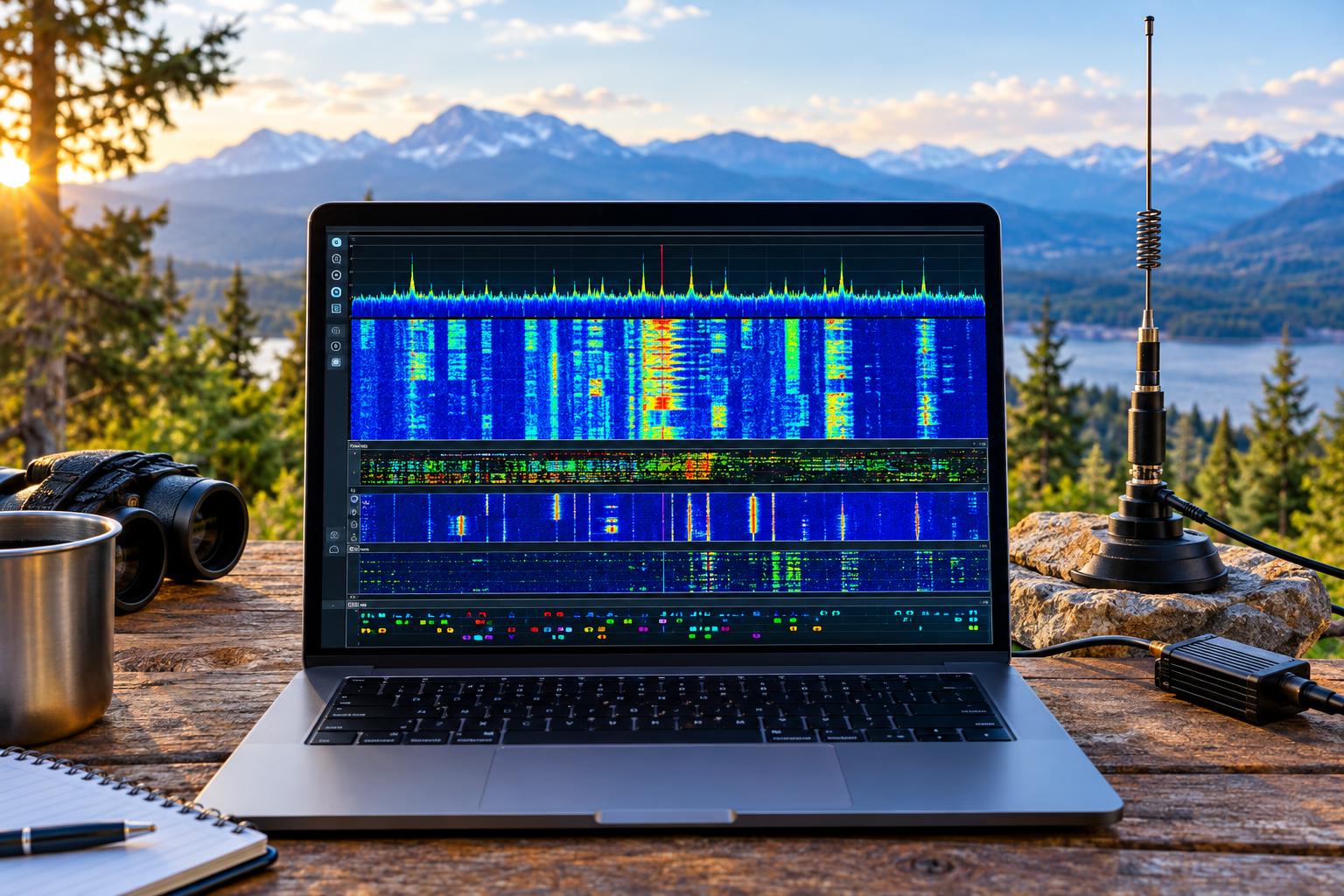
A receive-only SDR dashboard is one of the safest and most useful ways to understand your local RF environment before you add any transmit path. With OpenWebRX+, a modest SDR, a suitable antenna, and careful configuration, you can watch VHF packet activity, local APRS traffic, HF weak-signal spots, and repeater use from a browser. The goal is not to replace operating skill; it is to build a quiet, reliable listening post that shows what is actually happening on the bands around you.
The research hook for 2026 is practical: the OpenWebRX+ Debian changelog records the addition of a native APRS IGate reporter while the project continues to support broad background decoding features. For hams who want to add APRS-IS reporting without putting a transmitter on the air, an OpenWebRX+ APRS IGate can be a logical first step. You receive RF locally, decode packets, and report appropriate APRS traffic to the internet. No RF transmission is required for that receive-only use case.
This article focuses on a local monitoring station. It does not assume that you are ready to digipeat, beacon, remote-control a transmitter, or run a full emergency communications node. Those are separate projects with additional regulatory, technical, and coordination requirements.
The Basic Architecture
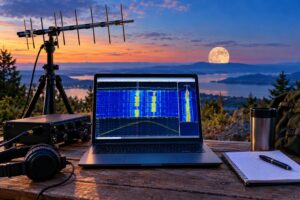
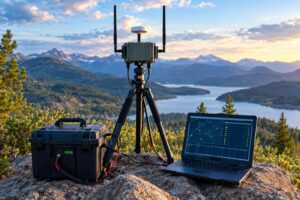
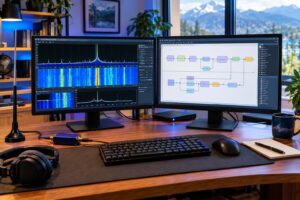
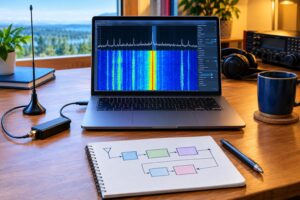
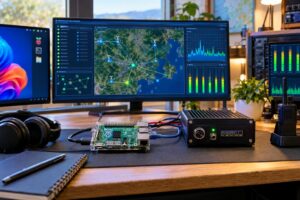
A useful receive-only dashboard has five parts: an antenna, optional filtering or preamplification, an SDR receiver, a computer, and software profiles that match the signals you want to monitor. The simplest VHF setup might be a quarter-wave ground-plane antenna for 2 meters, a short coax run, an RTL-class SDR, and OpenWebRX+ on a small Linux computer. A more capable station might use multiple SDRs: one locked to VHF APRS and packet, another for repeater outputs, and a separate HF-capable receiver for FT8 and WSPR.
The important planning rule is bandwidth and frequency coverage. A single narrowband SDR cannot monitor 144.390 MHz APRS, a 70-centimeter repeater output, and 20-meter FT8 at the same time unless the hardware and software support multiple independent receivers across those ranges. Most entry-level SDRs view only a slice of spectrum around one tuned frequency. For a dashboard that watches unrelated bands continuously, plan on multiple receivers or accept that you will switch profiles manually.
Choose Monitoring Goals Before Buying Hardware
Start with a short mission statement. For example: “I want to receive local APRS on 144.390 MHz, observe packet bursts on nearby VHF channels, occasionally watch 20-meter FT8, and keep a browser tab open on local repeaters.” That statement immediately tells you that one antenna and one SDR may not do everything well.
APRS and VHF Packet
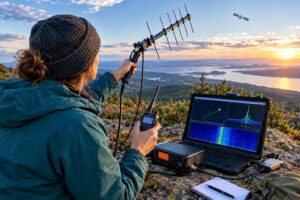
In the United States, terrestrial VHF APRS commonly uses 144.390 MHz with 1200-baud AFSK packet. A receive-only APRS monitor needs good local VHF coverage more than exotic hardware. Antenna height, coax loss, and overload control matter. If you live near paging transmitters, FM broadcast towers, or strong public-safety sites, a band-pass filter may improve decoding more than a preamp.
Traditional packet monitoring may involve 1200-baud AX.25 on VHF or UHF. Some areas also have 9600-baud packet links, which are more demanding and may require discriminator-quality audio or a receiver chain that preserves the needed signal characteristics. Do not assume that every packet-looking signal will decode through the same settings used for APRS.
FT8 and WSPR
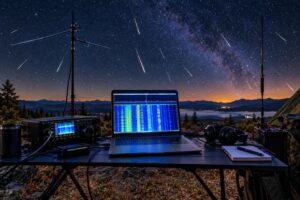
FT8 and WSPR are weak-signal HF modes. For receive-only monitoring, frequency stability and time accuracy are critical. Use a stable SDR, keep the computer clock synchronized, and avoid overloaded HF front ends. Common FT8 activity centers include well-known dial frequencies such as 7.074 MHz and 14.074 MHz, but always verify current band plans, mode software defaults, and your local regulations before treating any frequency as fixed.
Repeater Watch
Repeater watch is mostly about situational awareness. You may not decode much data, but you can see carriers, estimate activity periods, identify noisy signals, and compare repeater outputs. Use the published repeater output frequency, narrow FM mode where appropriate, and enough squelch to keep the browser audio usable. Monitoring repeater input frequencies can be informative, but reception is usually much more dependent on your location because mobile and handheld stations are low-power and often obstructed.
Installing OpenWebRX+ Sensibly
OpenWebRX+ is a web-accessible SDR receiver environment derived from the OpenWebRX family. The project information page and the OpenWebRX+ changelog are the best places to confirm current capabilities and packaging details before you install. Use current project documentation rather than copying old commands from forum posts, because SDR drivers, Linux packages, and decoder support can change.
A practical installation sequence looks like this:
- Prepare a stable Linux host. Use a small desktop, mini PC, or single-board computer with enough CPU for the decoders you want to run.
- Confirm SDR operation first. Before configuring background decoders, verify that the operating system sees the SDR and that the receiver tunes correctly.
- Set gain manually. Automatic gain can hide overload problems. Increase gain only until the desired signals decode reliably without raising the noise floor unnecessarily.
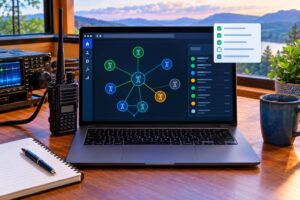
- Create named profiles. Use clear labels such as “VHF APRS 144.390,” “Local 2m Repeaters,” “20m FT8,” and “VHF Packet.”
- Limit public exposure. If the dashboard is only for your household or club network, keep it behind your router or VPN rather than exposing it directly to the internet.
DragonOS can be useful as a ready-made SDR and amateur-radio Linux environment, especially for experimentation, but you do not need a specialized distribution if you are comfortable installing SDR drivers and services yourself. SDR++ is also worth knowing as a separate SDR application for exploring spectrum, checking gain behavior, and comparing what you see in OpenWebRX+ with another receiver interface.
Configuring a Receive-Only OpenWebRX+ APRS IGate
An APRS IGate receives APRS packets over RF and passes eligible packets to APRS-IS. In a receive-only configuration, your station is not transmitting APRS packets back onto RF. That distinction matters. It reduces technical risk, avoids transmitter control issues, and lets you evaluate your antenna and decoding performance before considering any two-way RF function.
At a high level, configure the APRS profile for the local APRS channel, select the correct FM and packet decoder settings for 1200-baud AFSK, and then enable the native APRS IGate reporter if your installed OpenWebRX+ version includes it. You will typically need your amateur call sign or tactical identifier as appropriate for the network rules, a station location, and APRS-IS connection information. Use a valid amateur call sign if you are identifying an amateur station, and follow the current APRS-IS and local coordination guidance for SSID selection and comments.
Good IGate behavior starts with good receiving practice. Place the station location accurately enough to represent coverage, but do not publish sensitive personal details unnecessarily. Use a concise station comment such as “RX-only APRS monitor” rather than implying emergency, official, or wide-area coverage you have not established. If you later add RF transmit, digipeating, messaging, or weather telemetry, review the applicable regulations and APRS community practices first.
Building Useful Profiles
A dashboard becomes valuable when each profile answers a question. Avoid a cluttered list of mystery frequencies. Build a small set of purposeful views.
Profile 1: Local APRS
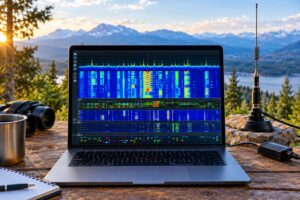
Set the receiver to the local APRS frequency used in your country or region. In the United States, 144.390 MHz is the familiar starting point for VHF APRS. Use an FM bandwidth appropriate for 1200-baud packet audio, then watch decoded frames and the waterfall together. If packets appear strong on the waterfall but do not decode, suspect overdrive, wrong demodulator settings, excessive audio filtering, or frequency error.
Profile 2: VHF Packet
Create a separate packet profile rather than mixing every packet experiment into the APRS profile. Label the channel, baud rate if known, and expected use. For non-APRS packet, do not forward frames into APRS-IS. Treat it as local monitoring unless you have a specific, authorized purpose for additional routing.
Profile 3: HF FT8 or WSPR
Use USB mode for HF digital work and confirm that your clock is synchronized. FT8 and WSPR decoders are sensitive to time offset. If you see signals but decode nothing, check time synchronization before blaming the antenna. Also remember that HF reception varies with band, time of day, season, solar conditions, and local noise. A poor result at noon on one band may not say much about the station.
Profile 4: Repeater Watch
For repeater outputs, create bookmarks with the repeater name or location if you have verified it from a current directory or club source. Use narrow FM where appropriate. Watch for carrier strength, noise bursts, and usage patterns. If you stream audio beyond your personal network, consider privacy, courtesy, and legal constraints. Amateur radio is not encrypted, but that does not mean every received audio stream should be republished casually.
Antenna and Front-End Practicalities
The antenna system often determines success more than the software. For VHF APRS, height and a clear view are valuable. A simple outdoor vertical usually beats an indoor antenna near computers, LED lights, and switching power supplies. Keep coax runs short or use low-loss feed line if the antenna is far from the receiver.
For HF weak-signal monitoring, noise reduction is often the challenge. A small active loop, end-fed receive wire, or shared station antenna can work, but protect the SDR from nearby transmitters. If you also operate HF, use proper switching, isolation, or a receive protector so your transmitter does not damage the SDR input. Never connect an SDR directly to a transmitting antenna system without a safe receive-only path.
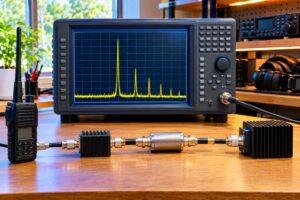
Filters help when strong out-of-band signals overload the receiver. A VHF band-pass filter can improve APRS packet decoding in high-RF areas. An FM broadcast notch can help some wideband receivers on HF or VHF. Preamps are not magic; they amplify noise and strong unwanted signals along with the desired signal. Add gain only when the system is genuinely sensitivity-limited, not overload-limited.
Troubleshooting by Symptom
- Strong APRS bursts but no decode: Check mode, bandwidth, frequency accuracy, gain, and whether the audio path is being clipped or filtered.
- Many duplicate APRS packets: You may be hearing digipeated traffic from several paths. That is normal, but verify IGate settings to avoid inappropriate reporting behavior.
- FT8 signals visible but no text: Check computer time synchronization, USB mode, frequency calibration, and whether the passband covers the expected audio tones.
- Waterfall is full of broad noise: Reduce gain, disconnect the antenna briefly to compare internal and external noise, and look for local RFI sources.
- Repeater audio sounds distorted: Confirm FM bandwidth, reduce gain, and make sure the signal is not overloading the SDR front end.
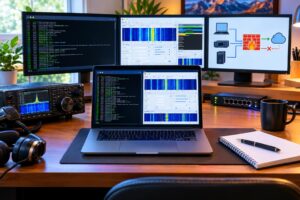
- Dashboard becomes sluggish: Reduce active decoders, lower displayed bandwidth where practical, or move high-duty monitoring to a more capable host.
Safety, Legal, and Courtesy Caveats
Receive-only does not mean consequence-free. Outdoor antennas require safe mounting, lightning awareness, weatherproofing, and separation from power lines. Use proper grounding and surge protection practices suitable for your installation. If you run feed lines into a shack with transmitting equipment nearby, protect the SDR from accidental RF exposure.
In the United States, amateur operators must follow FCC rules, license privileges, RF exposure requirements when transmitting, and applicable band plans. For this receive-only dashboard, the larger issues are identification, internet reporting, and responsible handling of received content. If you publish a receiver publicly, understand what bands it covers and avoid enabling reception or redistribution that creates legal or privacy problems. International readers should consult their own regulator.
When to Add a Transmit Path
Add RF transmit only after the receive dashboard is boringly reliable. For APRS, that means you understand local channel use, your receiver decodes cleanly, your station information is accurate, and you know whether the area needs another digipeater, weather station, or two-way IGate. In many locations, another transmitter may add congestion rather than value. A receive-only OpenWebRX+ APRS IGate can contribute useful coverage without increasing RF channel load.
For packet and repeaters, transmitting adds coordination, etiquette, deviation, audio-level, and identification requirements. For HF weak-signal modes, transmitting adds duty-cycle awareness, audio drive control, ALC management, RF exposure evaluation, and band privilege checks. The dashboard helps because it teaches you what is already active before you add your own signal.
Helpful Sources
Key Takeaways
- An SDR dashboard is a low-risk way to learn your local RF environment before transmitting.
- A receive-only OpenWebRX+ APRS IGate can report heard APRS packets to APRS-IS without putting RF on the air.
- Use separate profiles for APRS, packet, FT8/WSPR, and repeater monitoring so each view has a clear purpose.
- Antenna placement, filtering, gain control, and clock accuracy often matter more than raw computer power.
- Do not add transmit features until you understand the technical, regulatory, and local coordination implications.
FAQ
Can one SDR monitor APRS, FT8, and repeaters at the same time?
Usually not if those signals are on widely separated frequencies. You need enough receiver bandwidth and frequency coverage, and in many practical stations that means multiple SDRs or manual profile switching.
Does a receive-only IGate need an amateur license?
If you are identifying an amateur APRS station and connecting to amateur radio infrastructure, use a valid call sign and follow the current network and regulatory expectations. Rules vary by country, and internet reporting can still involve station identification and policy issues.
Is OpenWebRX+ the same as SDR++?
No. OpenWebRX+ is aimed at browser-accessible SDR monitoring and decoding workflows. SDR++ is a separate SDR application that is very useful for interactive spectrum exploration and receiver setup comparisons.
What should I improve first if APRS decoding is poor?
Improve the VHF antenna system, reduce overload, set gain manually, and verify the correct demodulator settings. A higher antenna in a quieter RF location often helps more than adding a preamp.