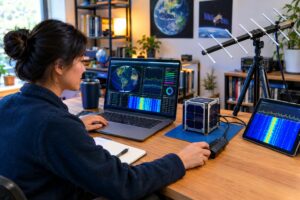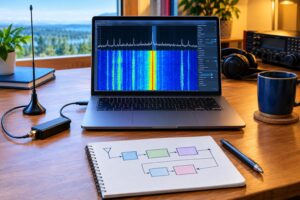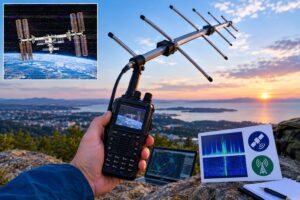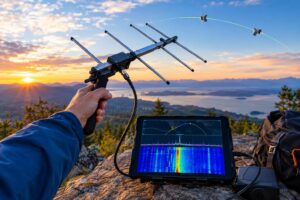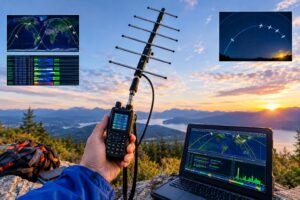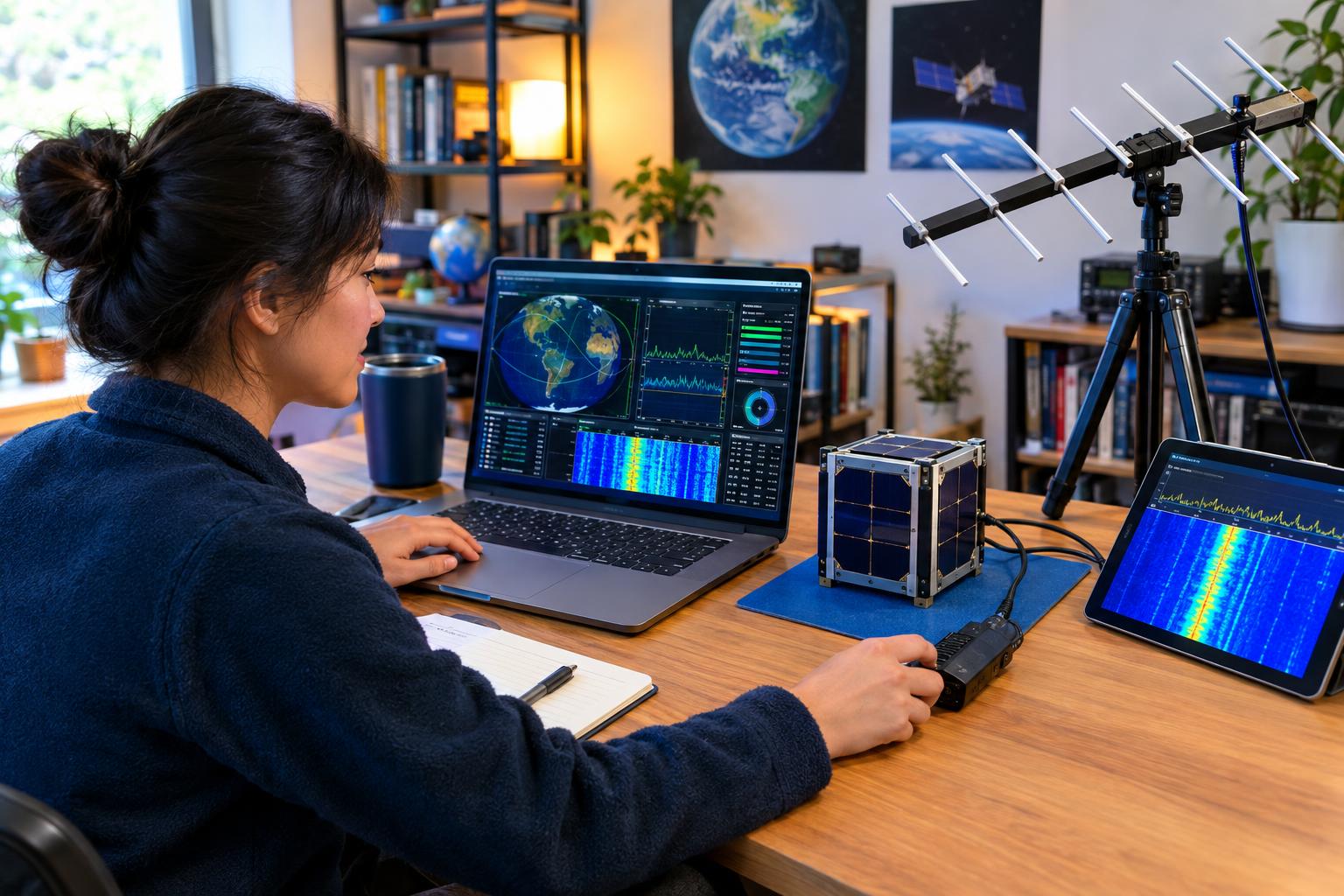
Indoor practice is one of the best ways to become calmer and more accurate on live amateur satellite passes. A real pass may give you only a few minutes above the horizon, and that window disappears quickly if you are still sorting out audio levels, packet timing, Doppler correction, or which telemetry field matters. The value of AMSAT CubeSatSim 2026 for operators is that it lets you rehearse those skills without waiting for the next spacecraft overhead.
AMSAT’s 2026 Symposium materials highlighted CubeSatSim v2.2 and v2.3 features including PacSat, simulated Doppler, dashboard functions, and hotspot control. Those features point toward a very practical training path: build repeatable pass simulations, move packet payloads through a satellite-like workflow, watch telemetry change, and learn how control inputs affect the system. This is not a substitute for operating real satellites, but it is an excellent bridge between reading about satellite operation and performing under pass pressure.
What CubeSatSim Is Useful For
CubeSatSim is an educational CubeSat simulator created for teaching satellite concepts, radio links, telemetry, command, and related spacecraft subsystems. For amateur radio operators, the most useful aspect is not simply that it resembles a satellite. It is that it creates a controlled environment where you can repeat the same task until the process becomes familiar.
With suitable station equipment and software, an operator can practice the workflow used around amateur satellites: preparing before a pass, tuning for changing frequency, decoding telemetry, exchanging or retrieving packet data, and documenting what happened. The official project site is the best starting point for current hardware, software, and documentation: CubeSatSim.org.
The AMSAT event pages are also useful because they identify the broader education and development context. See AMSAT 2026 Symposium and the related 2026 AMSAT Symposium papers and presentations.
Build an Indoor Training Station
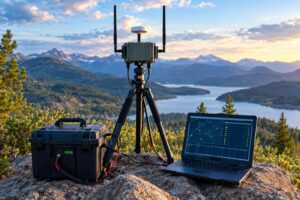
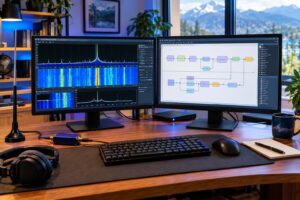
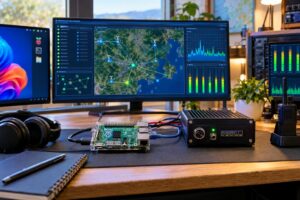
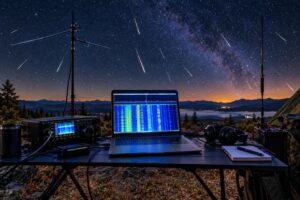
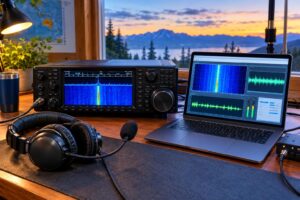
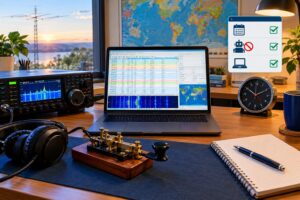
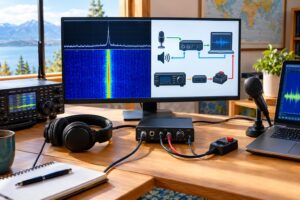
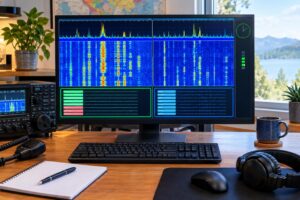
An indoor CubeSatSim practice station does not need to look like a contest-grade satellite station. The goal is controlled repetition. A practical bench setup may include the CubeSatSim hardware, a computer for dashboard and packet work, an SDR or receiver, suitable audio or data interfaces, and a VHF/UHF transceiver only when your setup and permissions make RF operation appropriate.
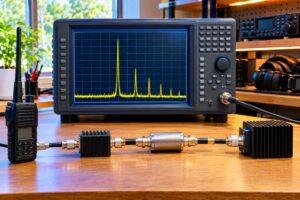
For many drills, you can keep RF power extremely low or use a direct connection, attenuators, or a dummy load arrangement if supported by your equipment. Avoid radiating test signals unnecessarily. Amateur frequencies, experimental configurations, and classroom demonstrations all require attention to licensing, band limits, station identification, RF exposure, and local rules. In the United States, consult current FCC rules and accepted amateur operating practice. Outside the United States, use the rules for your jurisdiction.
Recommended practice layout
- CubeSatSim unit: the simulated spacecraft and payload source.
- Computer: for the dashboard, packet tools, logs, and documentation.
- Receiver or SDR: for observing the downlink signal, waterfall, and demodulated audio or data.
- Optional transceiver: for controlled uplink or command practice where lawful and technically appropriate.
- Clock source: a computer clock synchronized closely enough for logging and pass-timing discipline.
- Notebook or spreadsheet: for recording drills, settings, results, and problems.
The important habit is to separate the system into transmit path, receive path, decoding path, control path, and logging path. When something fails, that separation lets you troubleshoot one layer at a time instead of changing everything at once.
Drill 1: Simulate a Pass Before You Touch the Radio
The first useful drill is a silent pass rehearsal. Choose a hypothetical start time, maximum elevation, and end time. You are not trying to duplicate a specific satellite perfectly. You are training your brain to work through the sequence without hesitation.
- T-minus 10 minutes: confirm the computer, dashboard, decoder, and logging template are open.
- T-minus 5 minutes: verify audio device selection, receiver frequency plan, and data paths.
- Acquisition of signal: begin watching the spectrum or decoder input and note the time.
- Mid-pass: adjust for simulated Doppler, monitor telemetry, and avoid unnecessary control changes.
- Loss of signal: stop transmitting if applicable, save logs, and write a short after-action note.
This drill seems simple, but it builds the habit that real satellite operators need: prepare early, make small corrections, and stop experimenting during the best part of the pass unless you know why you are doing it.
Drill 2: Practice Simulated Doppler Correction
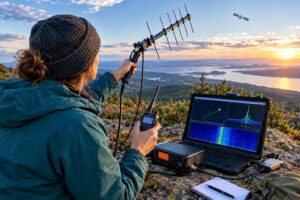
Doppler shift is one of the defining challenges of low Earth orbit satellite operation. As a spacecraft approaches, the received frequency appears higher; as it moves away, the frequency appears lower. On VHF the effect is noticeable, and on UHF it is more pronounced. A simulator that includes Doppler behavior helps operators understand why a signal drifts across the receiver passband even when nothing is wrong with the radio.
Use simulated Doppler as a listening and correction drill. Start with a known nominal downlink frequency in your training environment. Watch the waterfall or signal indicator while the simulated pass progresses. Make small corrections rather than large jumps. If you are decoding packets, evaluate correction quality by whether decoding improves or worsens, not merely by whether the tone sounds pleasant.
Doppler habits to build
- Correct in steps: use predictable tuning increments instead of chasing the signal continuously.
- Watch the decoder: good audio by ear is not always the same as good data recovery.
- Log frequency behavior: note where decoding began, improved, degraded, and stopped.
- Avoid panic tuning: rapid back-and-forth tuning can be worse than a slightly imperfect setting.
In a real pass, automated Doppler control may be available through tracking software and a computer-controlled radio. Manual correction is still worth practicing because it teaches what the automation is doing and helps when a cable, driver, or configuration fails.
Drill 3: PacSat Store-and-Forward Workflow
PacSat-style operation introduces a different mental model from a simple voice contact. Instead of exchanging a quick signal report, operators interact with stored files or messages through a packet system. The key skills are timing, connection discipline, file selection, and patience.
In a CubeSatSim PacSat drill, define a simple mission: upload a short text payload, list available files, retrieve a selected file, and log the result. Keep the payload small and plain. The first objective is not throughput; it is clean procedure.
PacSat practice sequence
- Prepare the payload: create a short text file with a clear filename, date, and operator call sign if appropriate.
- Confirm packet path: verify that the terminal, modem, TNC, or software modem is using the correct audio and data interfaces.
- Connect or interact: follow the current CubeSatSim PacSat instructions rather than relying on memory from older versions.
- List before downloading: learn what is available before pulling data blindly.
- Record results: note time, file name, success or failure, and any error messages.
Good PacSat practice teaches restraint. On a real shared satellite resource, excessive retries, oversized files, or poor timing can reduce access for others. Indoor training is where those habits should be corrected.
Drill 4: Dashboard Monitoring Without Tunnel Vision
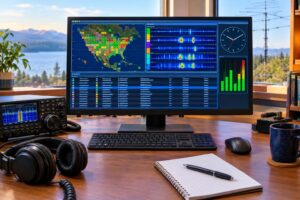
A dashboard can make satellite simulation feel much more concrete because it turns invisible conditions into visible data. Depending on the current CubeSatSim version and configuration, dashboard information may represent items such as subsystem status, telemetry values, command state, or simulated payload behavior. Always rely on the current project documentation for exact fields and functions.
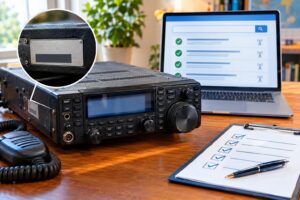
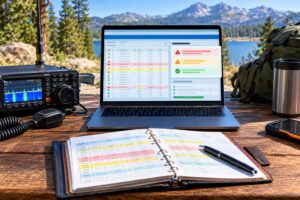
The training goal is not to stare at every number. The goal is to distinguish normal variation from a condition that deserves attention. Create a checklist of the fields you will watch during a pass: power-related values, radio state, packet activity, and any payload status relevant to the drill.
Three-level dashboard scan
- Green: values are in the expected range for the current drill; continue operating.
- Yellow: something changed; observe, log it, and avoid unnecessary commands.
- Red: the drill objective is compromised; stop, save evidence, and troubleshoot methodically.
This scan pattern mirrors good operating practice. It keeps you from ignoring warning signs, but it also keeps you from overreacting to every normal fluctuation.
Drill 5: Telemetry Decoding and Interpretation
Telemetry is more than a stream of numbers. It is the spacecraft telling you what it is doing. For amateur satellite operators, telemetry practice develops three skills: receiving a clean signal, decoding frames correctly, and interpreting the meaning without overclaiming.
Start with a baseline run. Let the simulator operate normally and capture telemetry for a fixed period. Save the log. Then change one variable at a time if the simulator supports it: a payload state, a power condition, a command mode, or a communications setting. Compare the new log with the baseline.
- Signal layer: Was the received signal strong and stable enough?
- Demodulation layer: Were audio levels, filters, and modem settings correct?
- Frame layer: Were complete frames decoded, or only fragments?
- Meaning layer: What does the decoded value actually indicate?
Avoid the common mistake of treating a single decoded value as a full diagnosis. Telemetry is most useful when compared against time, operating state, and other fields.
Drill 6: Hotspot Control and Remote Discipline
Hotspot control can make an indoor simulator more flexible, especially in a classroom, club, or multi-operator environment. The important operating lesson is command discipline. Any control path that changes the simulator state should be treated as deliberate, logged, and reversible when possible.
Before using hotspot control, write a miniature command plan: what you intend to change, why, what result you expect, and how you will know whether it worked. During the drill, have one person operate and another person observe the dashboard or logs. If you are practicing alone, narrate the step into your notes before pressing the control.
- Use plain names: label drills by purpose, not by vague labels like test one or test two.
- Change one thing: do not combine a packet change, Doppler drill, and control change unless that is the point of the exercise.
- Log commands: record time, action, expected result, and actual result.
- Reset cleanly: return the simulator to a known state before the next operator or drill.
Example Indoor Training Session
Here is a complete 45-minute practice session that a club, school station, or individual operator can adapt.
- Minutes 0-5: power up equipment, open dashboard, verify receiver and decoder paths.
- Minutes 5-10: run a no-transmit pass rehearsal and read the checklist aloud.
- Minutes 10-20: perform a simulated Doppler drill while logging tuning changes and decode quality.
- Minutes 20-30: complete a PacSat list-and-retrieve task with a small prepared payload.
- Minutes 30-38: capture telemetry before and after one controlled state change.
- Minutes 38-45: save logs, identify one failure point, and write one improvement for the next session.
The after-action note matters. A short note such as “audio level too high caused poor packet decode” is more useful than a vague memory that the setup was difficult.
Common Problems and Fixes
- No packets decode: check the audio device selection, input level, squelch behavior, modem mode, and whether the signal is actually reaching the decoder.
- Signal visible but data poor: reduce overdriven audio, narrow the receive passband if appropriate, and verify Doppler correction.
- Dashboard does not match expectations: confirm software version, documentation, network connection, and whether the simulator is in the expected state.
- PacSat task stalls: verify that the file is valid, the packet path is configured correctly, and retries are not overwhelming the link.
- Multiple operators create confusion: assign one control operator, one logger, and one observer rather than letting everyone change settings.
Safety and Regulatory Caveats
Indoor does not automatically mean risk-free. Use appropriate power supplies, avoid exposed conductors, keep batteries within their specified charging and operating limits, and provide ventilation where equipment requires it. If RF is transmitted, use the minimum necessary power and a suitable antenna, dummy load, attenuation, or shielding arrangement. Confirm that every transmission is lawful for your license class, band, mode, and location. Identify as required and do not transmit on satellite uplink frequencies for bench testing unless you are certain the setup is legal, appropriate, and will not interfere with other users.
FAQs
Is CubeSatSim only for schools?
No. It is educational, but that makes it useful for individual amateur operators, clubs, licensing classes, and satellite teams. A licensed operator can use it to practice workflows that are hard to learn during short live passes.
Does simulated Doppler replace real tracking software?
No. It teaches the concept and builds operator skill. For real satellites, use current orbital data, suitable tracking software, and the operating recommendations for the specific satellite.
Can I use CubeSatSim to practice packet before trying a live satellite?
Yes, that is one of the strongest uses. Packet and PacSat-style operation reward preparation, clean audio, accurate timing, and disciplined retries. Indoor practice helps you fix those basics first.
Should I transmit over the air during practice?
Only if it is lawful, necessary, and unlikely to cause interference. Many training goals can be met with receive-only monitoring, low-level coupling, dummy loads, or local wired/audio paths, depending on equipment and documentation.
Key Takeaways
- AMSAT CubeSatSim 2026 is best approached as a repeatable training environment for satellite operating habits.
- PacSat drills teach packet workflow, file discipline, and shared-resource etiquette.
- Simulated Doppler helps operators understand why tuning changes during a pass and how to correct calmly.
- The dashboard is most useful when paired with a simple scan plan and written logs.
- Telemetry practice should separate signal quality, decoding, frames, and interpretation.
- Hotspot control is powerful training only when commands are planned, logged, and reset cleanly.
Live satellite operation will always include variables that a simulator cannot fully reproduce: antenna pointing, polarization changes, crowded passes, fading, and operator pressure. That is exactly why indoor rehearsal matters. When the basics are automatic, you can spend more of the real pass listening, adjusting, and operating well.