Why 145.825 MHz Is Bigger Than “Just the ISS”
For many operators, the first packet satellite target is the International Space Station digipeater on 145.825 MHz. That is a good starting point, but it can also create a bad habit: assuming that every APRS satellite opportunity is the ISS, always active, and always ready for another beacon. A better approach is to treat APRS satellite digipeater 145.825 operation as a receive-first, status-checked, pass-specific activity.
APRS via satellite is usually 1200-baud AX.25 packet sent as FM audio, commonly heard around 145.825 MHz for several amateur spacecraft and ISS-related activity. The exact operating status, packet path, and supported mode can change. Some spacecraft are fully operational, some are experimental, and some are listed as future or testing missions. AMSAT’s October 31, 2026 satellite information is notable because upcoming and testing APRS-capable spacecraft such as Lilium-4 and PARUS-6U1 appear alongside live status resources. That does not mean every listed satellite is available for routine use today. It means operators should learn how to separate “planned,” “testing,” “heard,” and “active digipeater” before transmitting.
Start With Status, Not With the PTT Button
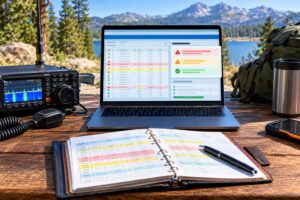
The most useful question is not “What frequency do I transmit on?” It is “Is there an active digipeater, during this pass, using a path I can confirm?” Begin with the AMSAT live digipeater satellites page and the broader AMSAT satellite status page. These resources help you see whether operators are reporting successful access, telemetry, digipeating, or silence.
Use the AMSAT upcoming satellites page differently. It is useful for awareness: new spacecraft, planned capabilities, frequencies, and experimental missions. It is not the same as a green light to transmit. A satellite can be launched but not commissioned, capable of APRS but not enabled, or in a testing phase where routine amateur access is discouraged.
A Practical Status Workflow
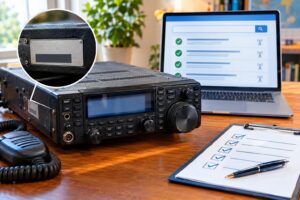
- Check the live digipeater list: Look for spacecraft currently reported as supporting packet or APRS digipeating.
- Check recent user reports: A satellite may be technically operational but not recently heard from your region.
- Confirm the uplink, downlink, and path: Do not assume that 145.825 MHz and ARISS apply to every satellite.
- Download current Keplerian elements: Use fresh Keps so your pass prediction is close enough for a short VHF pass.
- Receive first: Decode actual packets before sending your own.
Understanding Keps and Passes Without Overcomplicating It
Keplerian elements, often shortened to Keps, describe a satellite’s orbit so your tracking software can predict passes. For APRS satellite work, Keps matter because useful passes are brief. A low-Earth-orbit satellite may be above your local horizon for only several minutes, with the strongest signals near closest approach and weaker copy near acquisition of signal and loss of signal.
For a first attempt, choose a pass with a maximum elevation of at least 30 degrees if possible. Higher passes reduce path loss, shorten the distance through obstacles, and give a handheld antenna or modest vertical a better chance. Low passes can work, but they are less forgiving and more likely to produce partial decodes.
Keep your station clock accurate. APRS packets are short, but pass timing is everything. If your computer, phone, or radio clock is off by a few minutes, you may aim, listen, or transmit at the wrong time. Internet time synchronization before going portable is a simple fix.
Packet Paths: The Detail That Makes or Breaks a Contact
In terrestrial APRS, operators often see paths such as WIDE1-1 or WIDE2-1. Satellite APRS is different. Using terrestrial wide-area paths through a satellite is poor practice and may not work at all. Satellite digipeaters commonly require a specific alias such as ARISS or another published path for that spacecraft. Always use the current published path from a trusted satellite status or operations source.
A typical APRS satellite packet might be addressed to an APRS destination such as CQ, APRS, or a software-generated destination, with a digipeater path set to the satellite’s required alias. For ISS APRS, ARISS has long been a common path. That fact should not be generalized to every spacecraft. Newer or experimental satellites may use a different alias or may not support routine digipeating even if they carry APRS-capable hardware.
Good Path Discipline
- Use only the path specified for that satellite.
- Avoid terrestrial WIDE paths on satellite passes.
- Keep messages short. A short position or brief CQ-style packet is easier to decode and less likely to crowd the pass.
- Do not beacon continuously. One or two well-timed packets during a pass is usually more considerate than repeated transmissions.
Receive-First Packet Decoding: Your Best Operating Filter
Receive-first operation means you verify that the satellite is actually being heard and decoded at your station before you transmit. This protects the pass for everyone and prevents blind transmissions into a dead, disabled, or misconfigured link.
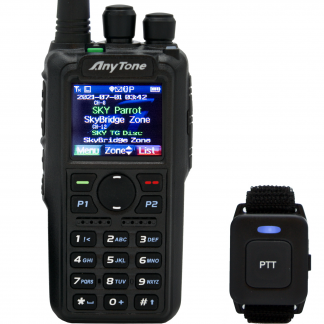
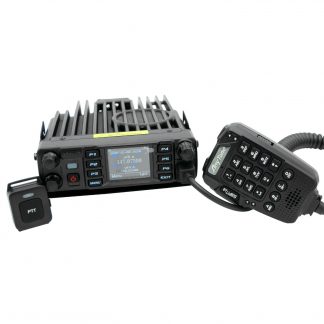
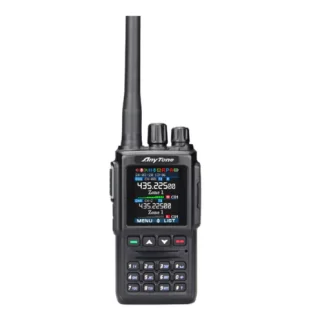
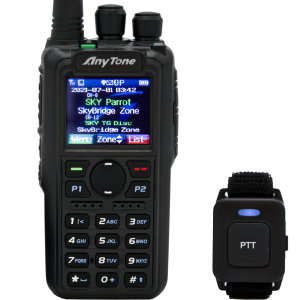
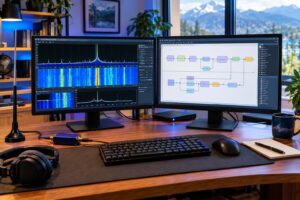
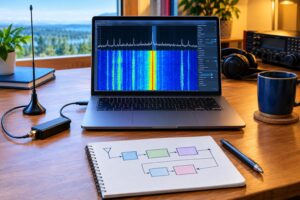
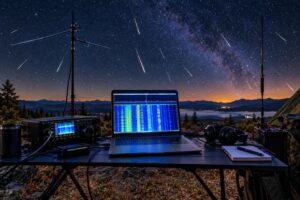
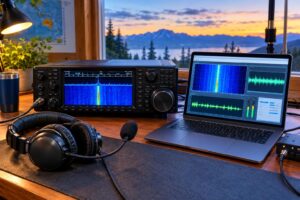
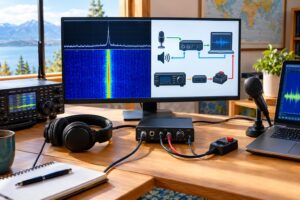
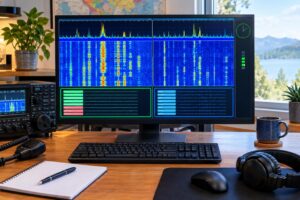
A simple receive chain can be a 2-meter FM receiver feeding packet audio to a computer, tablet, or TNC. Common software TNCs can decode 1200-baud AFSK AX.25 from discriminator or speaker audio, depending on your interface and levels. The key is clean audio: not too low, not distorted, and not aggressively filtered by audio processing. If your receiver has selectable bandwidth, normal FM settings that preserve packet tones are usually more useful than voice-enhancement features.
What to Look For Before Transmitting
- Decoded packets with recognizable call signs: This confirms you are receiving real AX.25 traffic, not just noise.
- The expected satellite path or digipeater alias: This helps confirm you are hearing the correct spacecraft activity.
- Reasonable timing: Packets should appear during the predicted pass, not randomly at unrelated times.
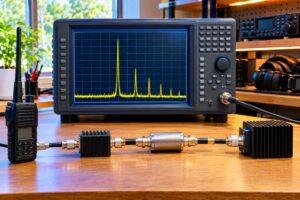
- Your own local RF environment: If you hear strong terrestrial APRS overload, intermod, or desense, fix that before attempting the satellite.
If you cannot decode anything on a strong, high pass when other operators are reporting success, troubleshoot receive before transmitting. Check frequency, squelch, audio level, antenna polarization, pass time, and Doppler tuning.
Doppler, Frequency, and Antenna Choices on 145.825
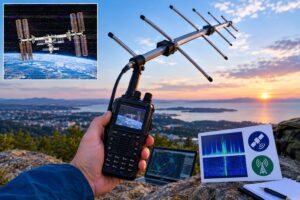
At VHF, Doppler shift is smaller than on UHF but still real. On 145.825 MHz, the shift across a low-Earth-orbit pass can be a few kilohertz. Many 1200-baud FM packet setups tolerate some error, especially with wider FM receiver bandwidth, but tuning closer helps. Some operators leave the radio on 145.825 MHz for the entire pass; others step slightly high early in the pass and slightly low late in the pass. Your radio’s tuning step and receiver bandwidth will influence the best approach.
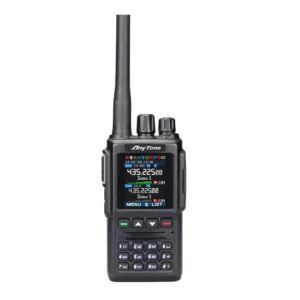
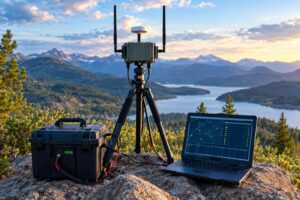
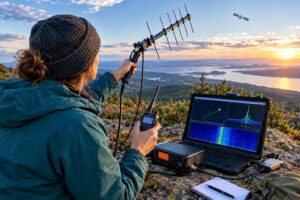
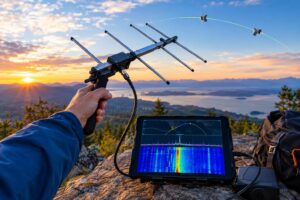
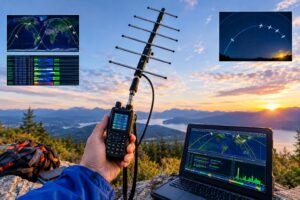
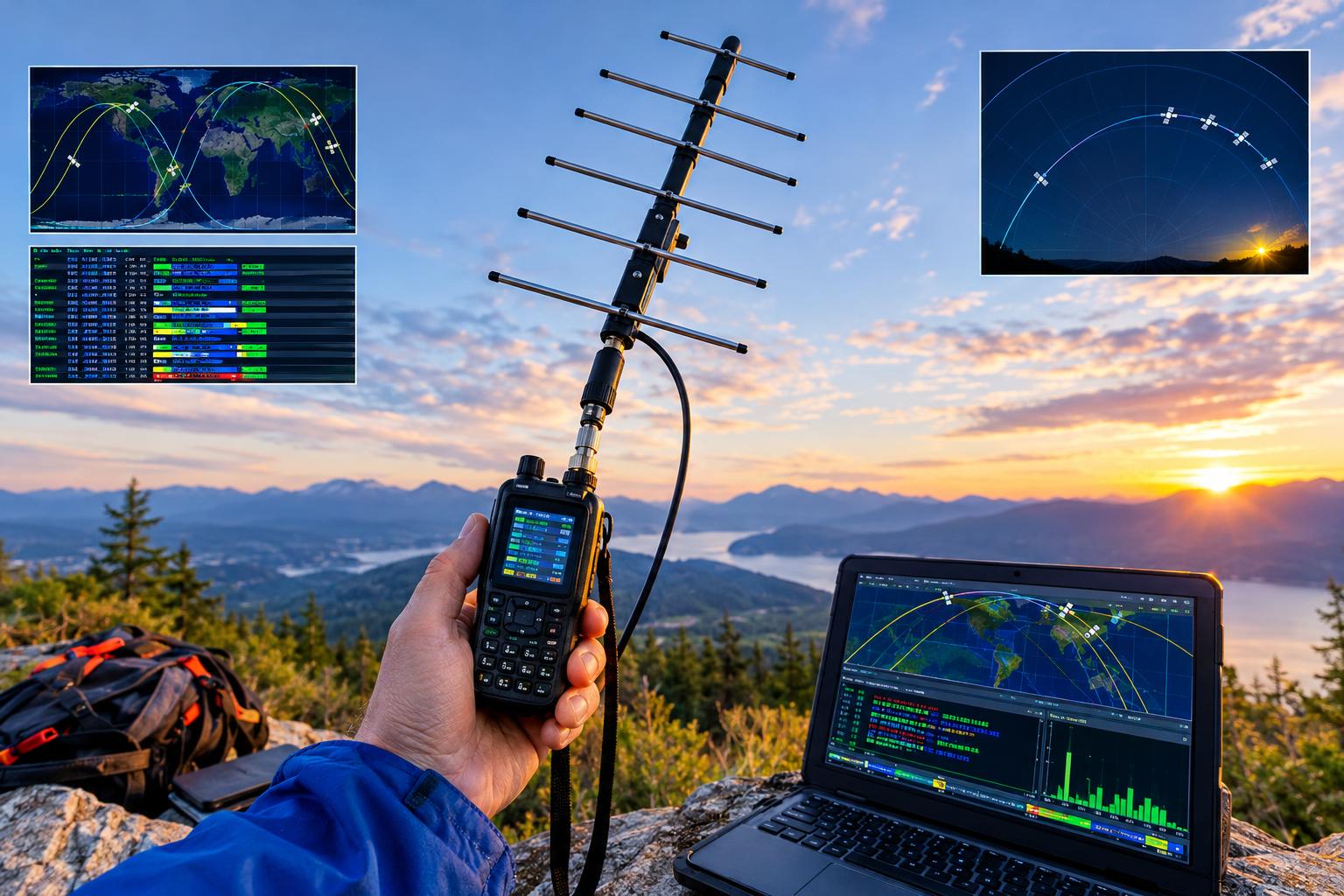
A handheld directional antenna, such as a small 2-meter Yagi or satellite-style dual-band antenna, can make a large difference. A quarter-wave vertical may decode strong passes, particularly if it has a clear view of the sky, but it is less controllable and may suffer from poor signal angles. Indoors, metalized insulation, low-E glass, appliances, and house wiring can attenuate or distort signals. If you are struggling, move outside with a clear horizon and keep feed-line loss low.
Transmit Etiquette on a Shared Short Pass
Satellite APRS passes are shared channels. Everyone in the footprint may be trying to use the same digipeater during the same few minutes. Unlike a local terrestrial digipeater, the satellite hears a large geographic area at once. Stronger stations can capture the receiver, and repeated beacons can prevent weaker stations from getting through.
Use the minimum practical power for your station and conditions. Five watts into a handheld directional antenna is often technically capable on favorable passes, but capability is not permission to monopolize the channel. Time your packet when the satellite is above clutter and when you are likely to be heard, not every few seconds. If the pass is crowded, receive only and learn from the traffic.
Regulatory and Safety Caveats
In the United States, amateur digital transmissions must comply with FCC Part 97 rules, including identification, permitted content, third-party traffic restrictions, and the prohibition on obscured meaning for ordinary amateur communications. The ARRL’s overview of digital transmissions is a useful starting point, but operators should consult current FCC rules and applicable international regulations when operating outside the United States or communicating through satellites with global footprints.
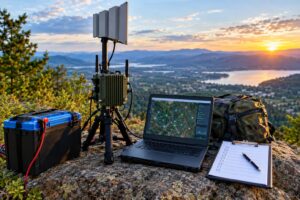
Also consider RF safety. Even modest VHF power can exceed recommended exposure limits at close range, especially with directional antennas. Keep antennas away from faces and bystanders while transmitting. For portable work, watch for trip hazards, overhead lines, unstable masts, weather, and battery safety. Do not aim antennas where you cannot maintain physical control of the station.
Example: A Conservative First APRS Satellite Session
Suppose you want to try an APRS satellite digipeater on 145.825 MHz this weekend. The careful plan looks like this:
- Two days before: Check AMSAT live digipeater and status pages. Identify one candidate satellite that is actively reported, not merely planned.
- One day before: Update Keps in your tracking app. Pick one high pass and one backup pass.
- Before the pass: Set your receiver to 145.825 MHz, configure 1200-baud packet decoding, open squelch or set it low enough not to clip packets, and verify audio levels.
- During the first pass: Receive only. Confirm actual decoded packets and note the path being used.
- During a later pass: If the satellite is active and your setup decodes reliably, transmit one short packet using the published path. Then listen for your digipeated packet rather than immediately transmitting again.
This method is slower than blindly beaconing, but it teaches you more and reduces unnecessary interference.
Common Problems and Fixes
No Packets Decoded
Confirm the pass time, Keps, frequency, antenna connection, and audio routing. Open the squelch or reduce squelch so the first part of a packet is not clipped. Try a higher-elevation pass before changing every setting at once.
Packets Heard but Not Decoded
Audio may be distorted, too loud, too quiet, or filtered. Disable noise reduction and voice processing. Adjust input levels so the software TNC sees clean audio without clipping.
You Decode Others but Not Yourself
Check the digipeater path, deviation, transmit audio level, and timing. If your packet is too frequent, too long, or sent at low elevation through obstructions, it may not be captured. Reduce message length and try once near the strongest part of the pass.
Status Pages Disagree
That is normal with time-sensitive spacecraft operations. Prefer recent confirmed reports and official or well-maintained status pages. If in doubt, receive only.
FAQs
Is every APRS satellite on 145.825 MHz?
No. 145.825 MHz is common and important, especially for ISS-related APRS activity, but satellites can use different uplinks, downlinks, modes, and aliases. Always verify current information.
Can I use my normal terrestrial APRS beacon settings?
Not without checking them. Terrestrial paths such as WIDE1-1 or WIDE2-1 are not appropriate for satellite use. Use the satellite’s published path and keep packets short.
Do I need full-duplex operation?
Full duplex is helpful because you can hear whether your packet was digipeated while transmitting or immediately after. It is not always mandatory for learning, but receive-first decoding is strongly recommended.
Are upcoming satellites fair game once they appear on a list?
No. Upcoming or testing listings indicate capability or plans, not routine access. Wait for commissioning information, status reports, and confirmed operating guidance.
Key Takeaways
- Do not assume the ISS is the only APRS opportunity on 145.825 MHz.
- Use AMSAT live and status pages to confirm active digipeater operation.
- Treat upcoming satellites such as Lilium-4 and PARUS-6U1 as watch-list items until routine access is confirmed.
- Update Keps, choose favorable passes, and decode packets before transmitting.
- Use the correct satellite path, avoid terrestrial WIDE paths, and transmit sparingly.
- Follow current regulations, identification rules, and RF safety practices.
The best APRS satellite operators are patient listeners first. If you can confirm the satellite, decode the downlink, use the right path, and transmit briefly, you will be a better neighbor on a very small shared channel.