Why Treat an AREDN 4.26.10 Upgrade Like a Drill?
AREDN 4.26.10.0 was released October 29, 2026, with changes called out by the project around memory improvements, multi-mesh radio support, multi-station radio support, and tunnel configuration changes. For an amateur radio emergency data network, that is not just a routine software refresh. It is a chance to prove that your team can preserve node settings, restore service advertisements, validate multi-radio paths, and operate useful applications without commercial power or Internet dependency.
The safest approach is to upgrade as though you are preparing for an emergency exercise: inventory first, back up everything, change one variable at a time, and verify actual services from a user device at the far end of the mesh. A node status page alone does not prove that a served agency form server, chat tool, or monitoring dashboard is reachable over RF.
Use the official project material as your starting point, especially the AREDN 4.26.10.0 release announcement, the AREDN changelog, the AREDN 4.26.10.0 documentation overview, and the AREDN project repository. Menu labels, supported hardware, and release behavior can change, so verify details against the current documentation before touching a production node.
Pre-Upgrade Rule: Capture the Network Before You Change It
Before installing AREDN 4.26.10, freeze the current topology on paper or in a shared file. Record each node name, call sign, location, band, channel, channel width, transmit power setting, antenna type, azimuth, PoE arrangement, and whether the node is reachable by RF, device-to-device Ethernet, LAN, WAN, or tunnel. If a node is on a tower, rooftop, hilltop, or emergency operations center mast, note how you will reach it if the upgrade does not come back cleanly.
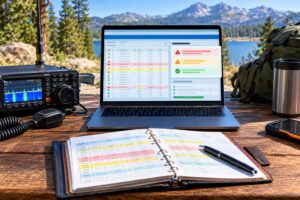
For each node, save more than one kind of backup. Use the node’s built-in support or configuration export tools when available, but also take screenshots or notes of critical setup pages. Include network mode, LAN addressing, DHCP reservations, advertised services, hostnames, port forwards, tunnel settings, and any package or application notes. If your team uses static IP addresses for chat servers, form servers, cameras, weather stations, or monitoring hosts, document those addresses separately from the firmware backup.
A useful naming convention is simple: date, node name, site, and pre-upgrade version. Example: 2026-11-ARES-EOC-North-pre-42610. Store the files where the upgrade operator can reach them without the mesh. A backup stored only on a server behind the node being upgraded is not a backup during a failure.
Build a Small Upgrade Bench Before Touching Field Nodes
If you have spare compatible hardware, upgrade one bench node first. Confirm that the correct image type is being used for your device and that you understand the difference between first-install and upgrade images for your hardware. Keep the node on reliable power, use a wired Ethernet connection from the administration computer when practical, and do not interrupt power during flashing.
After the first bench upgrade, verify the basics: the node boots, the administrator password still works or is reset as expected, the correct version is displayed, the node name and call sign are right, the RF interface is present, and LAN clients receive addresses if the node is supposed to provide DHCP. Then restore or re-enter any service advertisements and confirm that your browser can reach them by the same names operators will use during an exercise.
The bench test should also include a rollback plan. That does not mean every node can be magically restored remotely, but the team should know where the previous firmware image, configuration files, spare PoE injectors, Ethernet patch cables, and access credentials are located. If a rooftop node is a single point of failure, do not upgrade it first.
Upgrade Order for a Live Amateur Mesh
Upgrade from the edge inward unless you have a compelling reason to do otherwise. Begin with a noncritical node that has local access and an alternate path to the network. Avoid upgrading two ends of the same important RF link at the same time. If a backbone path uses paired dish nodes, upgrade one side, verify adjacency and service reachability, then upgrade the other.
A practical order is: lab node, portable go-kit node, noncritical user access node, secondary relay node, backbone node with local access, and finally critical remote nodes. Keep a log with start time, operator, node, firmware version, power source, and result. If the team is using VHF or UHF repeaters for coordination, assign a separate net control operator so the person upgrading firmware is not also trying to manage voice traffic and troubleshooting notes.
For nodes linked through tunnels, pay special attention to the AREDN 4.26.10 tunnel configuration changes described by the project. Export or record tunnel settings before upgrading and verify peer status afterward. For an off-grid exercise, however, do not count an Internet tunnel as proof of RF survivability. Label tunnel-assisted paths clearly and test the same services again with WAN or tunnel dependency removed if the exercise objective is local emergency communications.
Test Multi-Radio Mesh Behavior Deliberately
The release notes call attention to multi-mesh radio support and multi-station radio support. In the field, that means you should not simply upgrade and assume that all radios are still serving the intended roles. A multi-radio site may include a 5 GHz backbone dish, a sector node for local users, and a separate device-to-device Ethernet connection between radios. Each interface needs its own verification.
Create a path matrix before the test. List Site A, Site B, Site C, and the services hosted at each site. Then test one path at a time. If possible, temporarily reduce variables by checking one RF link, one Ethernet device-to-device link, and one client access path separately before running the whole network. The goal is not to produce laboratory-grade throughput numbers; the goal is to prove that expected neighbors appear, routing is sane, and application traffic reaches the correct host.
For each radio path, check three layers. First, physical and RF: antennas aimed, feed lines weatherproof, PoE voltage correct, no loose shield or damaged connector. Second, mesh layer: neighbor relationship appears as expected and the route is not taking a surprising detour. Third, service layer: a user device can open chat, submit or retrieve a form, and view monitoring without manually typing obscure IP addresses unless that is part of your documented procedure.
Use SDR and Spectrum Awareness Without Overstating the Tool
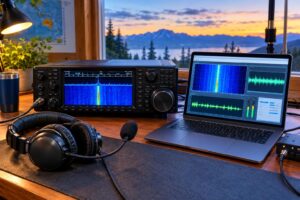
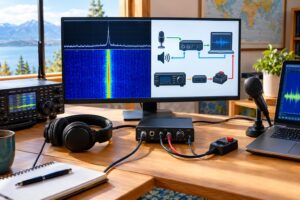
Software-defined radio can help identify interference and channel activity, but the tool must match the band. Many inexpensive SDR receivers do not directly cover 2.4 GHz or 5 GHz AREDN links without additional hardware, downconverters, or a suitable spectrum analyzer. For VHF and UHF coordination channels, an SDR can be very useful for viewing repeater input or output activity, desense, nearby transmitters, or unexpected signals during an exercise.
Keep receive equipment safe. Do not connect an SDR directly to a transmitting antenna system unless you understand isolation, attenuation, and maximum input levels. A nearby handheld, mobile radio, or mesh node can overload or damage a receiver front end. Use appropriate attenuation, separation, and receive-only antennas. Spectrum displays are also easy to misread: a waterfall can show energy, but it does not automatically identify protocol, legality, packet loss, or routing health.
For AREDN troubleshooting, combine RF observation with node data. If a link fails after the upgrade, compare the RF environment, antenna alignment, channel settings, and node status. If the waterfall shows heavy activity near a chosen channel, consider whether the band plan, local noise, or site placement needs review. Do not change power or channel settings casually during a multi-operator drill; coordinate changes and document them.
Prove Chat, Forms, and Monitoring from the User Seat
The most useful upgrade acceptance test is application-based. Put a laptop or tablet on the same kind of connection that a volunteer will use in the field. If operators will connect by Ethernet to a portable node, test that. If they will connect by local Wi-Fi on a node configured for client access, test that. If the form server sits at the EOC and the operator is at a shelter, test from the shelter side of the path.
Chat acceptance test
- Open the documented chat service by hostname or saved link.
- Post a short message with time, call sign, and location.
- Confirm that another station on a different mesh node can read and reply.
- Disconnect the Internet path if the exercise requires off-grid operation, then repeat.
Forms acceptance test
- Open the local forms page or served-agency form repository from a remote mesh client.
- Download a blank form and submit or upload a completed practice form if the application supports it.
- Confirm that the receiving station can retrieve the submission from a different node.
- Record whether the process depends on DNS, a local hostname, a static IP address, or a bookmarked URL.
Monitoring acceptance test
- View the AREDN node status pages or your local monitoring dashboard from a remote site.
- Confirm that critical nodes, service hosts, and expected neighbors are visible.
- Check that time stamps make sense. If the network is off-grid and offline, decide how time will be maintained.
- Save screenshots only as documentation; do not treat them as a substitute for live service testing.
Prove the Off-Grid Path
An off-grid service path has two meanings: electrical independence and network independence. Electrical independence means the node, service host, client device, and any Ethernet switch are running from batteries, solar, generator, or another planned emergency power source. Network independence means the traffic does not rely on commercial Internet, cloud authentication, outside DNS, or a tunnel unless those dependencies are explicitly allowed in the exercise.
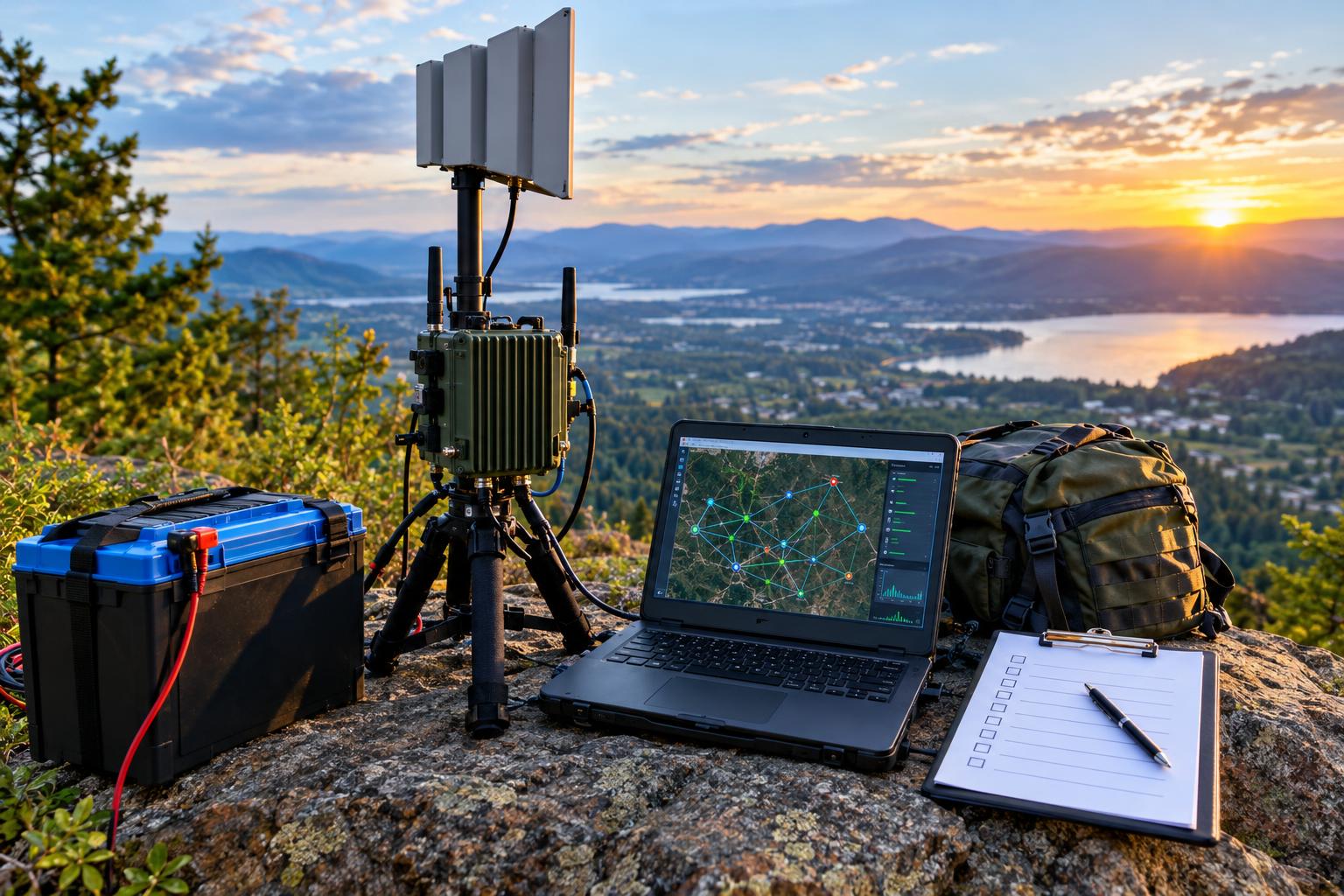
A clean test is simple. At Site 1, run the service host on emergency power. At Site 2, connect a client device through a different AREDN node, also on emergency power. Disable or disconnect WAN paths that are not part of the scenario. Then send a chat message, move a form, and view monitoring across the mesh. If the service fails only after the Internet is removed, the application may be more cloud-dependent than the team realized.
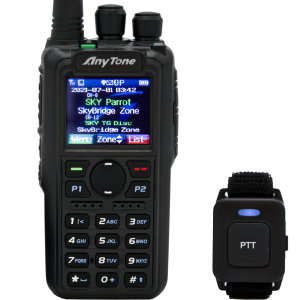
Do not forget VHF and UHF voice. Repeaters and simplex channels remain valuable for coordination, safety, and fallback when IP work is in progress. Use voice to announce test phases, report node access issues, and coordinate antenna or power changes. Follow FCC rules, local repeater policies, and your organization’s communications plan. Avoid transmitting sensitive personal information over amateur channels, and remember that amateur radio generally does not permit encrypted messages intended to obscure meaning.
Safety and Regulatory Caveats
AREDN deployments often involve masts, rooftops, batteries, PoE cabling, and outdoor antennas. Use fall protection where required, keep antennas away from power lines, weatherproof outdoor connections, fuse battery leads, and follow safe charging practices for lithium and lead-acid batteries. Consider RF exposure compliance for all transmitters at the site, not only the mesh node. A high-gain dish, a VHF mobile, and a UHF repeater link may all contribute to the site safety picture.
In the United States, amateur operation is governed by FCC Part 97, while some devices and channels may also be used under Part 15 depending on configuration and frequency. Technical capability is not the same as legal permission. Confirm current rules, band plans, power limits, identification requirements, and local coordination before an exercise. International operators should consult their own regulator.
Post-Upgrade Review
After the drill, collect logs from operators while the details are fresh. Which nodes upgraded cleanly? Which backups were incomplete? Which services were hard to find? Did any route unexpectedly depend on a tunnel? Did the VHF or UHF voice plan reduce confusion or add traffic? Convert those answers into an updated network diagram, a shorter field checklist, and a clear go/no-go standard for the next exercise.
The best result of an AREDN 4.26.10 upgrade is not merely that every node reports the new version. The best result is a mesh team that can explain its topology, recover its settings, verify its applications, and prove that a useful local information path survives when normal infrastructure is unavailable.
Quick FAQ
Should every node be upgraded on the same day?
Not unless the network is small, locally accessible, and the team has a tested recovery plan. For larger meshes, stage the upgrade and protect critical backbone paths.
Does a working tunnel prove emergency readiness?
No. A tunnel may be useful for training or linking distant meshes, but an off-grid proof should show which services work without commercial Internet dependency.
What is the minimum useful test after upgrading?
Verify node access, neighbor visibility, service advertisements, chat, forms, and monitoring from a remote client on the expected RF path.
Can an SDR diagnose every mesh problem?
No. SDR can reveal signal activity and interference clues, but routing, service configuration, DNS, power, and application problems require normal network troubleshooting too.
Key Takeaways
- Back up node configuration, screenshots, service details, and tunnel settings before installing AREDN 4.26.10.
- Upgrade one node at a time and avoid changing both ends of a critical RF path simultaneously.
- Test multi-radio sites by RF path, mesh neighbor status, and real application reachability.
- Prove chat, forms, and monitoring from the same user position expected during an exercise.
- Separate tunnel-assisted connectivity from true off-grid RF service paths.
- Use VHF/UHF voice and SDR tools as supporting aids, not replacements for application-level mesh testing.