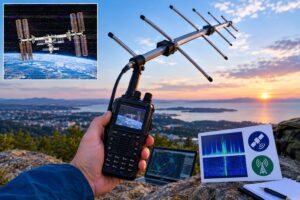
FreeDV RADE V2 HF digital voice is worth approaching differently from familiar HF modes such as SSB, FT8, JS8, or PSK31. It is still amateur radio over HF, and it still depends on propagation, clean audio, legal operating privileges, and a properly adjusted transmitter. But the operating goal is live digital speech, not keyboard text and not analog single-sideband audio.
The safest way to learn it is to receive first, verify the audio chain, then perform a controlled push-to-talk test before making an on-air call. That sequence reduces the two most common digital-voice problems: no decode because the receive path is wrong, and poor transmitted signal quality because the audio chain is overdriven.
FreeDV’s 2026 posts around RADE V2, the FreeDV 2.3.x releases, and over-the-air V2 test activity make one point clear for practical operators: RADE V2 is not just another checkbox in a mode list. It deserves a deliberate station setup, especially around audio levels and PTT behavior.
What FreeDV RADE V2 Is—and What It Is Not
FreeDV is open-source digital voice software for amateur radio. RADE refers to a newer digital-voice approach using a radio autoencoder concept. In everyday station terms, you speak into a microphone, the software encodes your voice into a digital signal suitable for HF, and another station running compatible software decodes it back into speech.
That makes it different from FT8. FT8 is a weak-signal digital text mode with structured messages, time synchronization, and automated sequencing conventions. FreeDV RADE V2 is intended for voice communication. It is also different from ordinary SSB because the transmitted audio is not your voice waveform; it is a digital waveform carrying encoded speech.
For the operator, this means:
- Do not use SSB speech processing, aggressive transmit EQ, or compression as if you were trying to punch through a pileup.
- Do not expect FT8 software, FT8 waterfall habits, or FT8 frequencies to apply.
- Do treat the signal as an HF digital voice emission that needs clean audio, stable tuning, and correct PTT control.
- Do check your license privileges, band segment, and applicable rules before transmitting.
Start With a Receive-First Station Plan
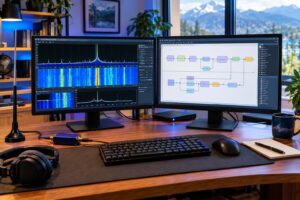
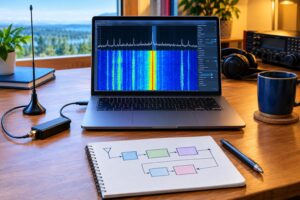
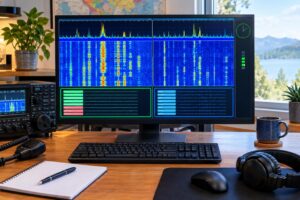
A receive-first setup lets you learn the software and signal flow without putting a questionable signal on the air. It also helps you separate three different problems: RF reception, computer audio routing, and FreeDV configuration.
Basic receive path
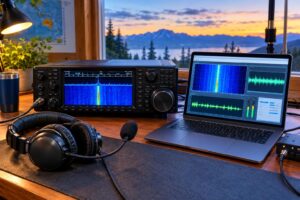
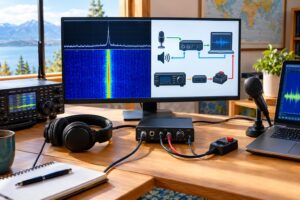
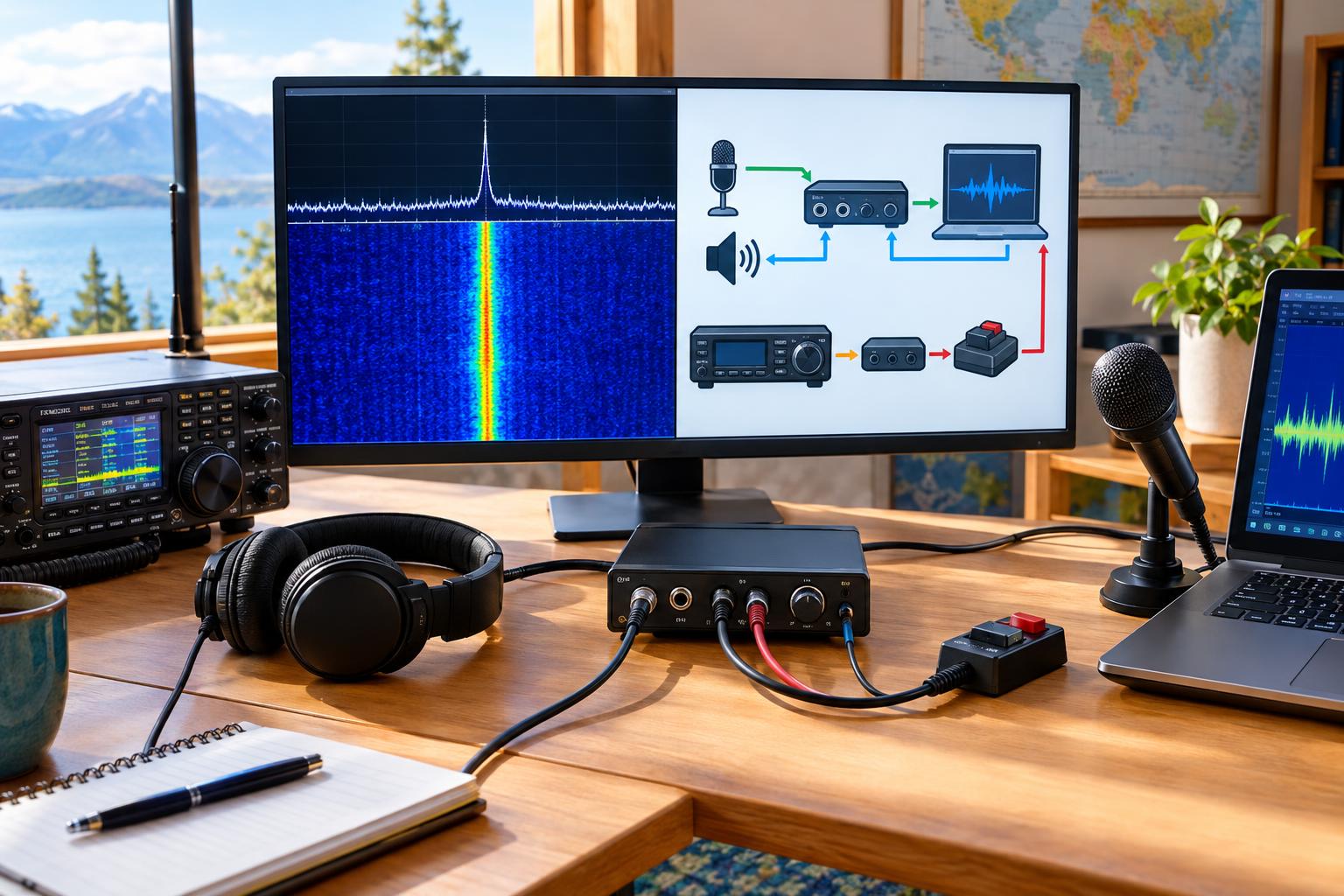
A typical receive chain is:
- Antenna to HF transceiver.
- Transceiver receive audio to computer audio input, USB sound device, or built-in USB audio codec.
- Computer input device selected in FreeDV.
- FreeDV mode set to RADE V2 when available in your installed version.
- Decoded audio routed to headphones or speakers.
If your radio has a data or USB-D mode that provides flat receive audio and predictable routing, it is often a good starting point. If you use ordinary USB voice mode, keep the receive filter wide enough for the selected FreeDV signal and avoid narrow voice tailoring that removes important parts of the digital waveform. Exact menu names vary by radio, so rely on your radio manual rather than a generic checklist.
What to check before chasing signals
Before trying to decode a live signal, confirm that FreeDV is receiving audio from the intended device. Many failures are simply the wrong sound card, a muted input, or the operating system assigning a different device after a reboot.
- Select the radio’s receive audio device, not the laptop’s internal microphone.
- Disable system enhancements such as noise suppression, automatic gain, or conferencing effects on the radio audio path.
- Use headphones while troubleshooting to avoid acoustic feedback and room noise confusion.
- Verify that the FreeDV input meter responds to receiver noise when the radio volume or USB audio level is adjusted.
- Keep the receive level moderate; an input slammed against full scale can prevent reliable decoding.
If the software supports stored-file playback or test files for the mode you are using, that can be useful for learning the interface without depending on current band conditions. FreeDV’s May 2026 V2 stored-file test campaign is a good example of why repeatable receive material matters: it lets developers and operators compare behavior without changing every variable at once.
Dial Frequency, Sideband, and Tuning Discipline
FreeDV over HF normally rides through an SSB transceiver passband. In many HF digital setups, upper sideband is used regardless of band, but you should follow current FreeDV guidance, current band plans, and the actual operating practice of the group you are joining. Avoid publishing or relying on old frequency lists as if they are permanent.
For initial receive tests, your job is not to transmit; it is to tune carefully and observe. Use the radio’s frequency control, waterfall, and FreeDV indicators together. If your radio has high stability, leave it alone once centered. If the signal is marginal, avoid constantly chasing the waterfall unless you know the signal is drifting. Over-tuning can make a decodable signal worse.
Audio Chain Checks Before Any Transmission
Digital voice rewards clean, boring audio. The goal is not loudness. The goal is an undistorted waveform reaching the transmitter at the correct level.
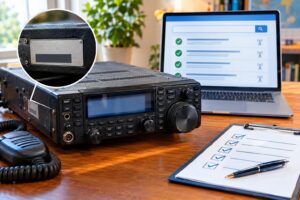
Transmit audio path checklist
Before enabling RF output, trace the intended transmit chain:
- Microphone or headset into FreeDV.
- FreeDV encoding output to the selected transmit audio device.
- Computer audio output into the radio’s USB audio input, data input, accessory input, or sound-card interface.
- Radio set for the correct input source.
- Speech processor, compression, transmit noise reduction, and voice equalization disabled unless FreeDV documentation specifically says otherwise.
- VOX disabled for early tests unless you have a specific reason to use it.
- ALC and RF power behavior observed at low drive.
Overdriving can happen in several places: microphone input into the software, software output into the operating system mixer, computer output into the radio, or radio drive into the RF chain. Reducing only the RF power control does not necessarily fix a distorted audio waveform. Set levels from the beginning of the chain forward.
ALC is a warning sign, not a target
On many radios, heavy ALC action during digital modes suggests too much audio drive. For a first FreeDV test, aim for little or no ALC movement unless your radio manual gives different guidance for its data input. Use the radio’s power meter, ALC indication, and, if available, an external wattmeter to confirm that the transmitter is behaving predictably.
Do not use microphone gain, computer output volume, and RF power as interchangeable controls. They affect different parts of the chain. A clean low-power signal is more useful than a louder distorted one.
A Safe PTT Test Plan
FreeDV’s October 2026 discussion of RADE V2 PTT tests and improvements is a reminder that PTT behavior is not a minor detail. PTT sits at the boundary between software, computer, interface, radio, and RF output. Test it deliberately.
Stage 1: No-RF software and routing check
First, confirm that the software can key the intended PTT method without generating RF. Depending on your station, this might mean using a radio transmit-inhibit setting, disconnecting PTT from the radio, or testing the serial/CAT control path with RF output disabled. Do not assume every radio has the same protection features.
- Verify that pressing transmit in FreeDV keys only the intended radio.
- Confirm that the radio returns to receive when PTT is released.
- Watch for stuck transmit, delayed release, or the wrong COM port.
- Make sure the computer will not sleep, change audio devices, or interrupt USB power during a test.
Stage 2: Dummy load at minimum practical power
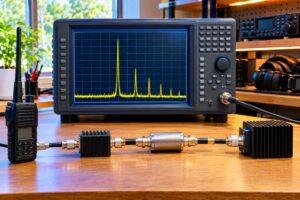
Next, connect a suitable dummy load rated for the frequency and power level. Start at minimum practical RF output. This is not a coverage test; it is a station-control test.
- Transmit briefly while speaking normal test audio into the microphone.
- Observe RF power, SWR, and ALC.
- Stop immediately if the transmitter shows high SWR, excessive ALC, unstable power, or unexpected audio routing.
- Let equipment cool if the dummy load or radio duty cycle requires it.
Digital voice can have a higher duty cycle than casual SSB speech. Respect your radio’s duty-cycle guidance, power-supply limits, tuner limits, and dummy-load rating. A short, low-power test is enough to prove PTT and audio routing.
Stage 3: On-air low-power verification
Only after receive, audio, and dummy-load checks should you try an on-air call. Choose a legal frequency and mode segment for your license class and location. Use the lowest power that is reasonable for the test, avoid occupied frequencies, and identify according to current regulations. In the United States, consult current FCC Part 97 rules and accepted band plans; outside the United States, consult your national regulator.
A practical first on-air exchange is not a long QSO. It is a short request for a signal-quality report from a station prepared to receive RADE V2. If you cannot confirm that anyone is listening with compatible software, keep tests brief and avoid repeated blind transmissions.
Common Problems and Practical Fixes
No decode on receive
- Confirm the correct input device in FreeDV.
- Check that the radio is sending receive audio to the computer.
- Use a wider receive filter if it is too narrow.
- Reduce overloaded audio input levels.
- Verify that you are using the same FreeDV mode as the transmitting station.
PTT keys the radio but no RF appears
- Check that the radio is in the correct data or SSB mode.
- Confirm that transmit audio is routed to the radio input actually selected.
- Check transmit inhibit, split settings, accessory input menus, and USB audio levels.
- Verify that RF power is not set to zero and that an external tuner or amplifier is not blocking transmit.
RF appears but reports are poor
- Back down computer audio output and microphone level.
- Turn off compression, processing, and transmit EQ.
- Check for ALC overdrive.
- Confirm antenna SWR and feed-line condition.
- Try a shorter test at lower power to rule out heating, RF feedback, or power-supply sag.
Safety and Regulatory Caveats
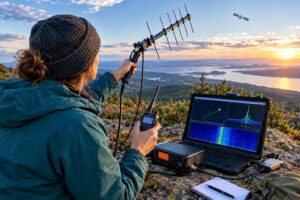
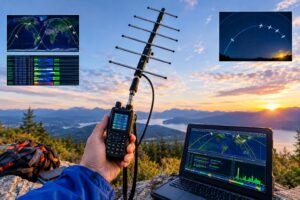
HF digital voice is still RF transmission. Maintain RF exposure compliance, use safe station grounding and bonding practices, and keep antennas away from power lines. If you operate portable, secure cables, batteries, and masts so a software test does not become an electrical or trip hazard.
Legally, software capability does not equal operating permission. Confirm your license privileges, emission permissions, band allocation, and any local restrictions before transmitting. If you are testing on a shared band, listen first and avoid interfering with ongoing QSOs or established activity.
Helpful Sources
- FreeDV: October 2026 V2 PTT tests and improvements
- FreeDV 2.3.0 release announcement
- FreeDV: May 2026 V2 stored-file test campaign
- ARDC: FreeDV RADE and digital voice over HF
FAQs
Is FreeDV RADE V2 the same kind of operating as FT8?
No. FT8 is structured weak-signal text communication. FreeDV RADE V2 is digital voice. Both use software and HF signals, but the operating habits, audio setup, and contact style are different.
Can I use my normal SSB microphone settings?
Usually not without adjustment. Turn off speech processing and compression for initial tests, use a clean audio path, and set levels so the transmitter is not being overdriven.
Should I start by transmitting?
No. Receive first. Confirm software, audio devices, tuning, and mode selection. Then test PTT without RF if possible, followed by a brief dummy-load test before any on-air transmission.
Do I need a special radio?
Many HF SSB transceivers with suitable audio input/output and reliable PTT control can be used. The details depend on the radio, interface, computer, and software version. Consult the current FreeDV documentation and your radio manual.
Key Takeaways
- Use a receive-first approach before transmitting FreeDV RADE V2 on HF.
- Keep the audio chain clean, moderate, and free of speech processing.
- Test PTT deliberately; stuck or misrouted PTT can create real on-air problems.
- Use a dummy load and low power for initial transmit checks.
- Do not treat RADE V2 like FT8 or ordinary SSB; it is digital voice with its own setup discipline.
- Confirm legal privileges, band usage, identification rules, RF exposure compliance, and local regulations before going on the air.