Why hams should treat GNU Radio 4 RC3 as a lab, not a station replacement
GNU Radio 4.0.0-RC3, released on Oct. 13, 2026, is an important milestone for operators who enjoy software-defined radio experimentation. The release notes describe continued movement toward modular repositories, additional DSP blocks, and progress on GNU Radio Studio. For amateur radio operators, that is exciting because GNU Radio has long been a serious toolkit for spectrum analysis, demodulation experiments, weak-signal exploration, satellite downlink study, and custom receivers.
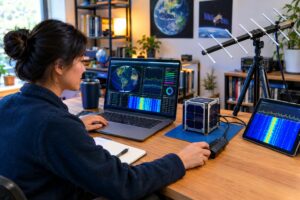
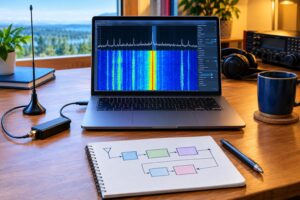
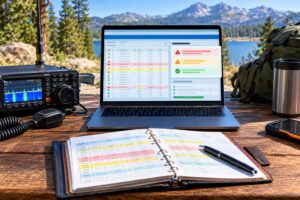
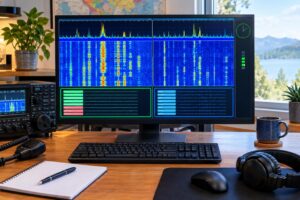
But a release candidate is still a release candidate. The safest way to approach a GNU Radio 4 amateur radio SDR workflow is to build a receive-only lab that is deliberately separated from your stable GNU Radio 3.x environment. That lets you learn the new architecture, test sample flowgraphs, inspect signals, and compare results without breaking the software chain you already trust for nets, contests, POTA spotting, satellite passes, or interference hunting.
The goal is not to chase novelty. The goal is to create a controlled test bench where mistakes are cheap, transmissions are impossible, and your working station remains available.
The core rule: isolate before you experiment
If your existing GNU Radio 3.x setup works, do not upgrade it casually. Many ham stations rely on a known-good combination of operating system packages, SDR drivers, Python modules, out-of-tree blocks, audio routing, and device permissions. A single system-wide change can affect more than GNU Radio itself.
A safe RC3 lab starts with one of these isolation methods:
- A separate computer: Best if you have an older laptop or small desktop that can dedicate USB ports and disk space to SDR work.
- A virtual machine: Useful for learning the framework and replaying IQ files. USB SDR passthrough can work, but it may add latency or driver complexity.
- A container or separate prefix: Good for experienced Linux users who understand environment variables, library paths, and device permissions.
- A bootable external drive: Practical when you want direct hardware access without changing the internal drive of your main shack computer.
The important point is that GNU Radio 4 RC3 should not overwrite packages, libraries, or Python paths used by your GNU Radio 3.x installation. Keep the old system boring and dependable. Let the new lab be the place where you break things, learn, revert, and rebuild.
Start with receive-only design
For ham experimentation, receive-only is the right first boundary. It removes the risk of unintended RF output while you are learning new block behavior, sample-rate handling, gain staging, and GUI tools.
A basic receive-only SDR lab can use a low-cost USB receiver, a receive-capable HF SDR, a VHF/UHF dongle, or recorded IQ files. If a transceiver with SDR capability is involved, disable transmit pathways, do not connect PTT or keying lines to experimental software, and avoid any flowgraph that could command a transmitter. When in doubt, use a receive-only device or IQ recordings until you fully understand the signal path.
This matters because software errors can become RF errors when transmit hardware is attached. A mismatched sample rate may only sound ugly in a receiver, but accidental transmission can violate band privileges, splatter outside an allocation, or interfere with other users. Licensing rules, band limits, RF exposure requirements, and local regulations vary by jurisdiction, so always follow the current rules that apply to your station.
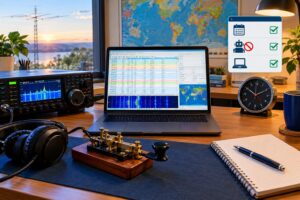
Make an inventory of your stable 3.x station first
Before installing anything new, document the known-good setup. This is not busywork. It is your rollback map.
- GNU Radio 3.x version and installation method
- Operating system version and package source
- SDR hardware models and serial numbers, if relevant
- Driver packages, udev rules, firmware loaders, and USB permissions
- Out-of-tree modules used for ham applications
- Audio routing tools, virtual audio cables, and sample rates
- Working flowgraphs for AM, FM, SSB, CW, digital-mode audio, or spectrum display
- Known antenna connections, filters, attenuators, and preamps
Save copies of your important GNU Radio Companion files, custom scripts, channel lists, calibration notes, and any command lines you rely on. If your operating system supports snapshots, create one before changing development tools or SDR packages. If not, make a plain backup of your home directory and configuration files.
Use IQ recordings as the first test source
The safest first signal source is not an antenna. It is a recorded IQ file. A recording lets you test GNU Radio 4 RC3 blocks without worrying about antenna overload, gain settings, time-varying propagation, or USB receiver behavior.
Good initial recordings include:
- A local FM broadcast station for wideband FM demodulation practice
- A weather radio or public-service signal where monitoring is legal in your area
- A known amateur repeater input or output recording made within your privileges and local rules
- A short HF segment containing CW, SSB, or digital-mode activity
- A quiet band segment for noise-floor and FFT display experiments
Label every IQ file with center frequency, sample rate, approximate date, hardware used, and gain settings if known. Without those details, a recording quickly becomes a mystery file. In SDR work, wrong metadata can look like bad DSP.
A practical RC3 receive-only workflow
Use a staged workflow instead of jumping straight to a complex receiver. Each stage should answer one question.
Stage 1: Confirm the lab is isolated
Open a terminal or development environment dedicated to GNU Radio 4 RC3. Confirm that your GNU Radio 3.x installation is still available outside that environment. If launching the RC3 environment changes the default system tools everywhere, stop and fix the isolation before proceeding.
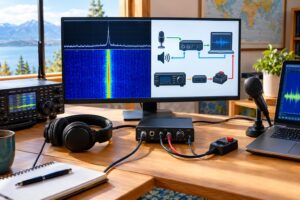
Stage 2: Replay an IQ file to a spectrum display
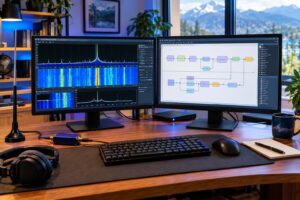
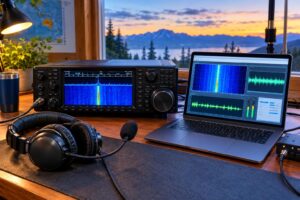
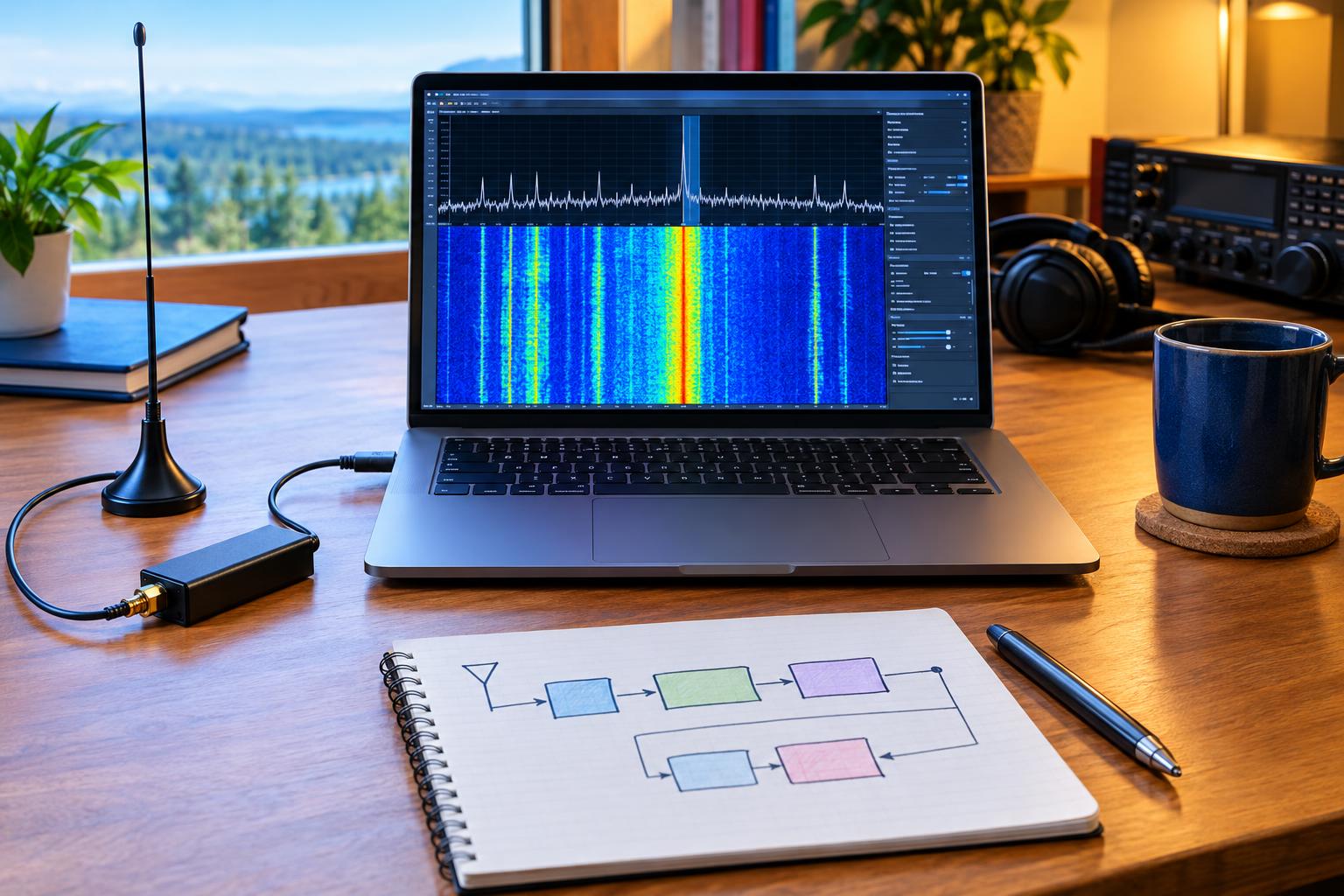
The first flowgraph should be simple: file source, metadata-aware sample-rate setting if available, throttle where appropriate for file playback, and a frequency display. You are not trying to demodulate yet. You are checking that samples move through the graph and that the display behaves as expected.
Stage 3: Add one DSP function
Add a filter, resampler, frequency-shifting block, or demodulator one at a time. Record what changed. If the spectrum vanishes after adding a block, the problem is likely sample-rate mismatch, incorrect data type, gain scaling, or an unintended center-frequency assumption.
Stage 4: Compare with your GNU Radio 3.x result
If you have an equivalent 3.x flowgraph, compare broad behavior rather than expecting pixel-perfect output. Ask practical questions: Does the same signal appear? Is the bandwidth similar? Is the audio intelligible? Is CPU use reasonable for your hardware? Do not call differences bugs until you have ruled out configuration changes.
Stage 5: Move to live receive hardware
Only after file playback works should you connect an SDR receiver. Start with conservative gain, add attenuation if strong local signals are present, and avoid preamps until you know the front end is not overloading. For HF, broadcast stations and nearby transmitters can dominate the receiver. For VHF/UHF, local repeaters, paging transmitters, or FM broadcast images may appear depending on hardware filtering.
Ham-focused experiments that are worth doing first
A receive-only RC3 lab is most useful when experiments are small and repeatable. These projects teach core SDR skills without risking your stable station.
- HF SSB passband inspection: Use an IQ recording or live HF receiver to observe how filter width affects readability and adjacent-channel rejection.
- CW tone placement: Display a CW signal and examine how tuning offset, BFO placement, and audio tone relate to the visible RF signal.
- Repeater deviation observation: Receive a local amateur FM repeater and compare occupied bandwidth during quiet carrier, voice, and courtesy tone periods. Do not transmit test audio just for this experiment.
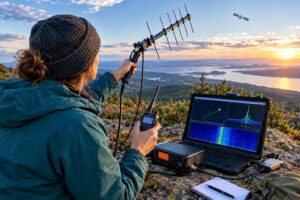
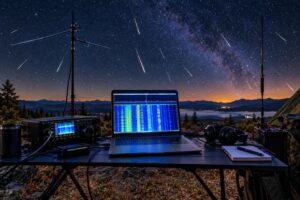
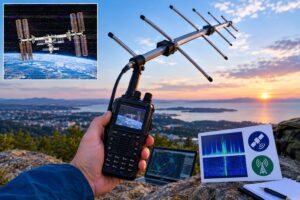
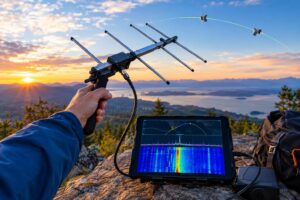
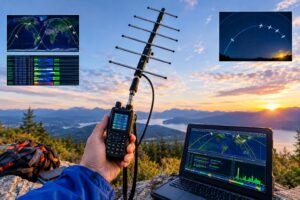
- Satellite downlink practice: Use recordings where possible, then try live receive-only passes with Doppler awareness. Keep expectations realistic; antennas, line of sight, polarization, and timing matter.
- Noise-source comparison: Compare antenna disconnected, dummy load on receive input if appropriate, indoor antenna, and outdoor antenna to understand the local noise environment.
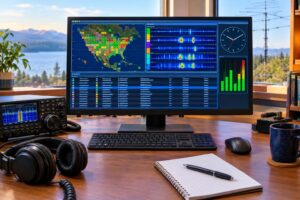
These experiments make you better at reading waterfalls and FFT displays. That skill transfers directly to interference hunting, weak-signal operating, digital-mode troubleshooting, and antenna comparisons.
Protect your receiver and your station
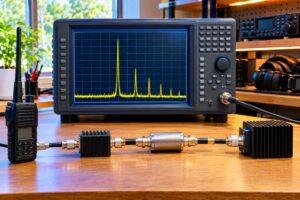
Receive-only does not mean risk-free. SDR front ends can be damaged or overloaded by excessive RF. If you transmit from the same station while an SDR receiver is connected to a nearby antenna, use proper isolation, switching, filtering, and common sense. Do not connect a receiver directly to a transmit antenna system unless you understand the switching and protection involved.
Useful precautions include:
- Use an appropriate attenuator when exploring strong-signal environments.
- Disconnect receive antennas during nearby lightning risk.
- Avoid attaching unknown outdoor antennas without considering static discharge and grounding.
- Keep SDR receivers away from high-power RF cables, amplifiers, and tuner outputs.
- Use band-pass or high-pass filtering when strong out-of-band signals overload the front end.
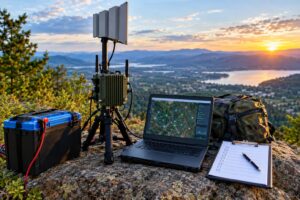
Also remember electrical and computer safety. Cheap USB cables, unpowered hubs, and overloaded laptop ports can cause confusing dropouts. For portable work, secure the computer, battery, SDR, and feed line so a tug on the coax does not pull equipment off a table.
How to evaluate RC3 without overreacting
Release candidates are for evaluation. You may find missing blocks, changing APIs, documentation gaps, or behavior that differs from your 3.x habits. Keep notes in a format that separates facts from guesses.
- Good note: “At 1.024 MS/s file playback, spectrum display updates but audio path stops after adding resampler.”
- Weak note: “RC3 audio is broken.”
- Good note: “Same IQ file demodulates in 3.x flowgraph; RC3 graph may be using wrong quadrature data type.”
When troubleshooting, reduce the graph until the problem disappears, then add blocks back one by one. Most SDR problems are easier to solve when the signal path is short. Keep sample rate, center frequency, bandwidth, and data type visible in your notes.
FAQ: GNU Radio 4 RC3 for amateur SDR users
Should I remove GNU Radio 3.x before trying GNU Radio 4 RC3?
No. For most hams, the better approach is to leave the stable 3.x setup alone and evaluate RC3 in an isolated environment. Your operating station should not depend on experimental changes unless you deliberately choose that path later.
Can I use GNU Radio 4 RC3 on the air?
Receiving amateur signals is generally the safer first use, subject to the rules in your jurisdiction. Transmitting requires much more caution: correct frequency control, spectral purity, power control, station identification, RF exposure compliance, and assurance that software cannot generate unintended emissions.
Is GNU Radio Studio a replacement for everything I do in 3.x?
Not yet for every operator. The RC3 release notes point to Studio progress, but your own station needs should determine when it is ready for your workflow. Treat it as something to learn and evaluate rather than an immediate replacement for proven tools.
What if my SDR hardware works in 3.x but not in the RC3 lab?
First verify USB permissions, drivers, firmware, and whether the device is visible outside GNU Radio. Then test with the simplest possible receive graph. Hardware access issues are often separate from DSP issues.
Key takeaways
- GNU Radio 4 RC3 is worth exploring, but keep it separate from a working GNU Radio 3.x station.
- Build a receive-only lab first to avoid accidental RF output and reduce risk.
- Begin with IQ recordings before using live SDR hardware.
- Change one block, sample rate, or device setting at a time.
- Document your stable setup before experimenting.
- Use conservative RF protection practices even when only receiving.
Further reading
- GNU Radio 4.0.0-RC3 release announcement
- GNU Radio 4 community stewardship update
- PySDR overview of SDR frameworks
A careful GNU Radio 4 amateur radio SDR lab does not need to be elaborate. It needs to be isolated, documented, receive-only at first, and built around repeatable tests. That approach lets you learn the new GNU Radio generation while keeping your dependable 3.x station ready for the next QSO, net, pass, opening, or troubleshooting session.