Why AO-129 and AO-130 Need a Different Operating Mindset
AO-129 and AO-130 are the OSCAR designations assigned to AMSAT-DL’s ERMINAZ-2U and ERMINAZ-2V PocketQube satellites. The important practical point for ground-station operators is not simply that two new OSCAR numbers exist. It is that these satellites should be approached as modern digital satellite targets, not as plug-and-play APRS FM birds.
The phrase AO-129 AO-130 digipeater may tempt operators to think of familiar 1200-baud packet through a handheld transceiver. That assumption can lead to missed passes, unusable recordings, and unnecessary uplink interference. A 9k6 GMSK/Skylink satellite signal requires tighter frequency discipline, better Doppler awareness, and a receive workflow that preserves raw data for later decoding.
Before transmitting, treat AO-129 and AO-130 as receive-first satellites. Confirm their current status, verify the published frequencies and modes, capture clean pass recordings, and understand the difference between a satellite carrying a digital digipeater function and an APRS FM satellite accepting common terrestrial-style APRS packets.
Start with Verified Satellite Identity and Current Status
Satellite information changes after launch, commissioning, software updates, and operational testing. Do not rely on screenshots, copied frequency lists, or old social media posts. Start with primary amateur-satellite resources and compare the satellite name, OSCAR number, catalog information, mode, and status.
- AMSAT-DL announcement for ERMINAZ-2U and ERMINAZ-2V OSCAR numbers
- AMSAT 2026 news archive
- AMSAT live digipeater satellite status page
- AMSAT SatDB
Use those resources to answer four questions before each operating session: What satellite am I tracking? What object or TLE data source am I using? What downlink frequency and modulation are currently listed? Is the digipeater or telemetry function active, experimental, or unavailable?
For a new or recently numbered OSCAR, it is easy to mix the mission name, OSCAR number, and catalog object. Your tracking software may list ERMINAZ-2U or ERMINAZ-2V rather than AO-129 or AO-130. Your log can include both names to prevent confusion later.
Build a Receive-First Pass Verification Workflow
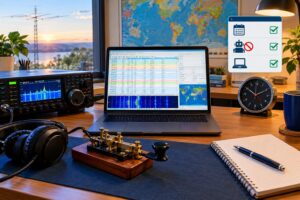
A good pass plan starts before the satellite rises. Use current TLE data from a reputable source supported by your tracking software. Then choose passes that give you enough elevation and time to observe the signal. A very low pass may be useful for practice, but it is a poor first test if you are trying to identify a narrow digital downlink.
Recommended pass-selection criteria
- Elevation: Prefer higher passes when learning the signal. More elevation usually means less local obstruction and less atmospheric path loss.
- Azimuth path: Avoid passes blocked by buildings, trees, hills, or metal roofs.
- Time accuracy: Synchronize your computer clock. Digital satellite observations depend on accurate UTC timestamps.
- TLE freshness: Update orbital elements shortly before the session, especially for small LEO spacecraft.
- Status check: Confirm that the listed mode and downlink status have not changed.
During the pass, verify that the signal appears where Doppler predicts it should. At UHF, a LEO satellite can be shifted by several kilohertz, and the apparent frequency changes continuously from acquisition of signal to loss of signal. The simplified Doppler relationship is frequency shift equals transmitted frequency multiplied by relative velocity divided by the speed of light. Operators do not need to calculate it by hand for every pass, but understanding the scale helps: at UHF, the shift can be large enough to put a 9k6 signal outside a too-narrow receive filter if you do not track it.
Station Setup for 9k6 GMSK and Skylink Capture
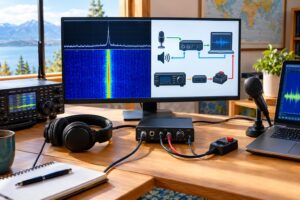
A 9k6 GMSK satellite signal is not just louder or faster APRS. GMSK is a continuous-phase digital modulation, and successful decoding depends on signal-to-noise ratio, frequency accuracy, bandwidth, and demodulator compatibility. Skylink framing is also not the same assumption as ordinary APRS UI frames heard on common FM packet channels.
A practical receiving station can be modest, but it should be intentional:
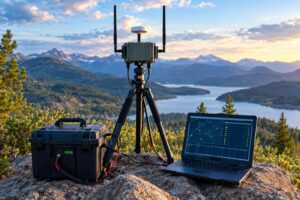
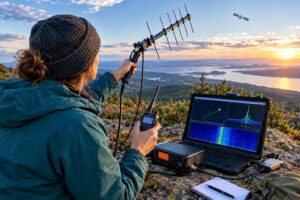
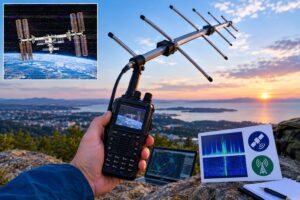
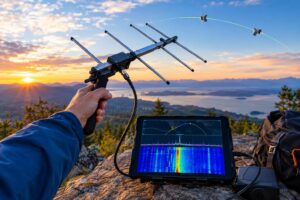
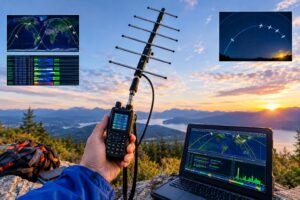
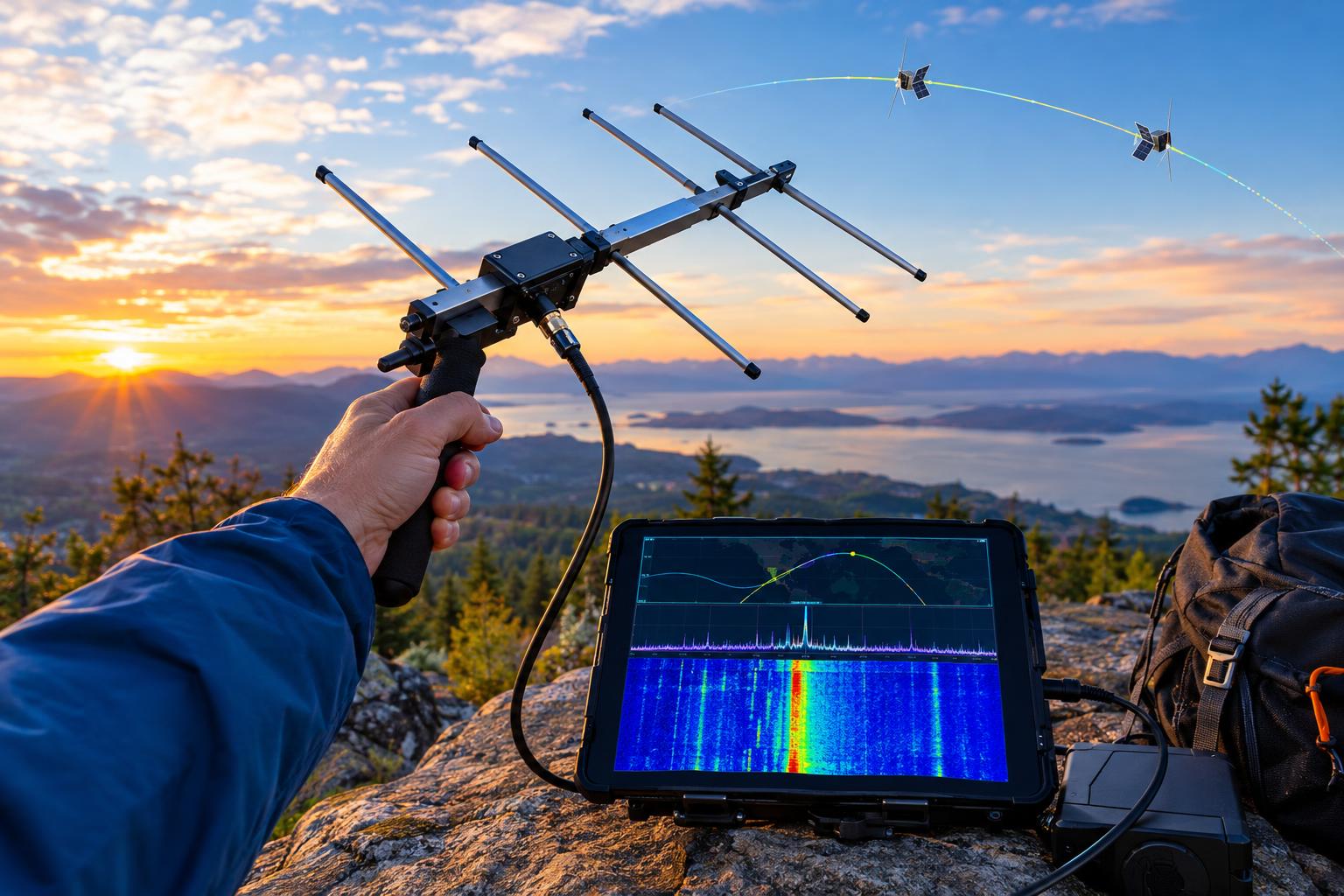
- Antenna: Use a directional UHF-capable antenna if possible, such as a small Yagi or log-periodic. An omnidirectional antenna may work on strong passes but gives less link margin.
- Feed line: Keep coax loss low, especially on UHF. A short run of decent coax often beats a long run of lossy cable.
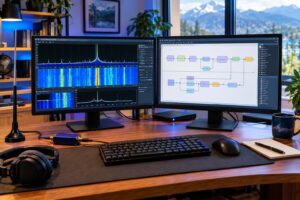
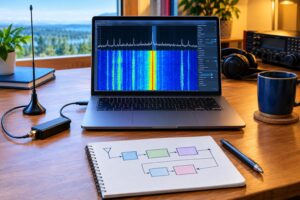
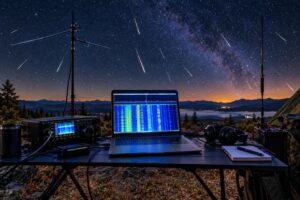
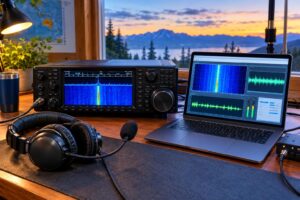
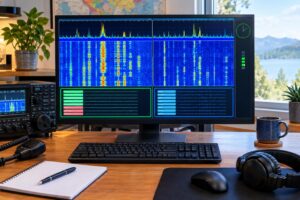
- Receiver: An SDR with a stable oscillator is highly useful because it allows waterfall inspection and IQ recording.
- Preamplifier: A mast-mounted or antenna-side preamp can help when feed-line loss is significant, but it can also overload in strong RF environments.
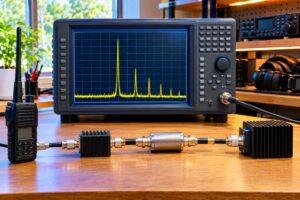
- Filtering: If local paging, cellular, or repeater signals overload your SDR, use appropriate band filtering.
- Computer time: Keep time synchronized with a reliable time source so recordings and reports are meaningful.
Set the SDR sample rate wide enough to cover expected Doppler drift and your tuning uncertainty. The goal is not to make the prettiest waterfall; it is to preserve the complete signal in a recording that can be analyzed after the pass.
What to Record During Each Pass
For an unfamiliar satellite mode, the best recording is usually raw IQ. Audio recordings can be useful, but they may not preserve enough information for later correction. IQ files allow you to retune, adjust filters, and try improved demodulation after the satellite has set.
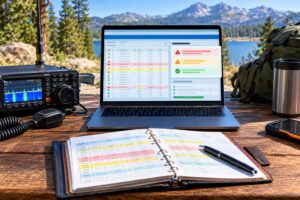
Keep a simple observation log with every recording. Include:
- UTC date and start/stop time
- Satellite name and OSCAR number
- Tracking software and TLE date or source
- Receiver center frequency and sample rate
- Antenna type, preamp/filter details, and approximate pointing method
- Maximum predicted pass elevation
- Whether Doppler correction was manual, software-controlled, or not used
- Local conditions that could affect reception, such as obstructions or nearby transmitters
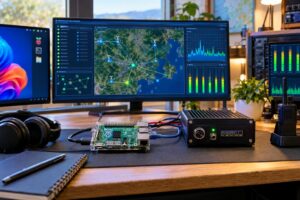
If you submit observations to a community telemetry system or discuss them with other operators, this metadata is often as important as the recording. A weak undecoded signal with accurate timing and equipment notes can still help confirm activity. A decoded frame with no time, frequency, or satellite identity is much less useful.
Avoiding the APRS FM Bird Trap
Many amateur operators first encounter packet satellites through APRS-style FM operation. That workflow usually involves a 2-meter or 70-centimeter FM transceiver, 1200-baud AFSK packet, APRS software or a TNC, and familiar packet paths. That is not a safe assumption for AO-129 and AO-130.
The key distinctions are:
- Modulation: 9k6 GMSK is not 1200-baud AFSK over ordinary FM audio.
- Framing: Skylink-related satellite frames should not be assumed to be APRS messages.
- Receiver bandwidth: A narrow voice-channel setup may distort or clip the data signal.
- Doppler handling: UHF digital downlinks require closer frequency control than casual FM monitoring.
- Uplink etiquette: A digipeater listing does not mean every common APRS setting is appropriate.
In other words, a satellite may be called a digipeater because it can relay digital packets, but that does not automatically make it an APRS FM satellite. Always confirm the active protocol, permitted uplink, and recommended ground-station configuration from current sources.
Preparing for Digipeater Operation Without Causing Interference
Receive successfully before you transmit. This is both good operating practice and good spectrum citizenship. If you cannot hear and identify the downlink reliably, you are not ready to judge whether your uplink is working.
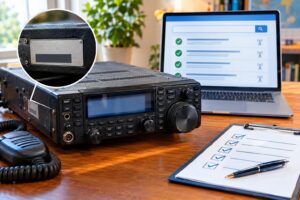
Readiness checklist before any uplink
- Verify the satellite is currently open for the intended digipeater use.
- Confirm the current uplink frequency, downlink frequency, modulation, symbol rate, and protocol.
- Use software and hardware that support the actual mode, not merely generic APRS packet.
- Monitor the downlink while transmitting, preferably full duplex.
- Start with the minimum effective power and a suitable antenna.
- Transmit only during the usable portion of the pass.
- Identify as required by your license rules and avoid automated behavior you cannot supervise.
- Stop immediately if you cannot confirm proper operation.
US amateur operators should remember that technical capability does not equal legal permission. Licensing privileges, band allocations, emission rules, station identification, third-party traffic rules, RF exposure responsibilities, and satellite operating practices must be checked against current FCC Part 97 requirements and any applicable local restrictions. Operators outside the United States should consult their own regulator.
Basic Troubleshooting: Signal Seen, Nothing Decoded
Seeing a streak on the waterfall is encouraging, but it does not guarantee successful decoding. Work through the receive chain methodically.
- Wrong satellite: Check that the signal timing and Doppler curve match AO-129 or AO-130, not another spacecraft or terrestrial signal.
- Old TLE: Update orbital data and compare predicted AOS/LOS times.
- Frequency error: Verify SDR calibration. A low-cost receiver without correction can be off by several kilohertz.
- Insufficient bandwidth: Make sure the complete signal and Doppler drift are inside the recorded passband.
- Overload: Reduce gain or add filtering if the noise floor jumps or strong local signals create images.
- Audio-path distortion: If using audio rather than IQ, avoid processing, noise reduction, and filters intended for voice.
- Wrong demodulator or framing: Confirm that your decoder supports the listed 9k6 GMSK/Skylink mode.
Do not change five variables at once. On the next pass, adjust one thing: antenna pointing, gain, center frequency, Doppler correction, or decoder configuration. Keep notes so the station improves with each attempt.
Safety and Practical Station Caveats
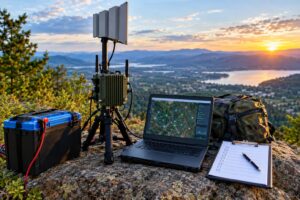
Small satellite reception usually uses modest power on receive, but the station still deserves normal RF and electrical care. Secure portable masts, avoid overhead power lines, weatherproof outdoor connections, and protect equipment from static and lightning risk. If you add a preamp or bias tee, confirm voltage polarity and current limits before connecting it to an SDR. For transmitting, evaluate RF exposure based on your actual power, antenna gain, duty cycle, distance, and applicable rules.
Key Takeaways
- AO-129 and AO-130 should be treated as current-status digital satellite targets, not assumed to be APRS FM birds.
- Use AMSAT-DL, AMSAT, live digipeater resources, and SatDB to verify names, modes, frequencies, and activity.
- Record raw IQ when possible, with accurate UTC time and station metadata.
- 9k6 GMSK/Skylink operation requires suitable demodulation, Doppler awareness, and frequency discipline.
- Do not transmit until the satellite is confirmed open for the intended digipeater use and your station can receive it reliably.
FAQs
Are AO-129 and AO-130 APRS satellites?
Do not assume that. They may appear on digipeater/status resources, but a digital digipeater listing is not the same as conventional APRS FM operation. Verify the current protocol and mode before attempting any uplink.
Can I use a handheld FM radio?
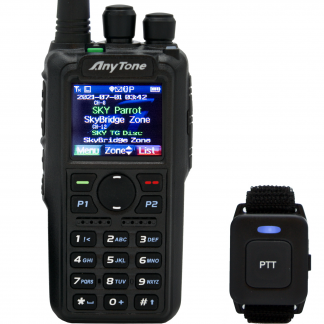
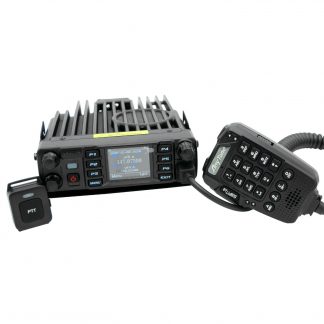
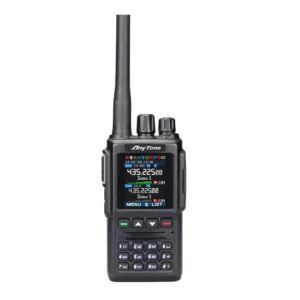
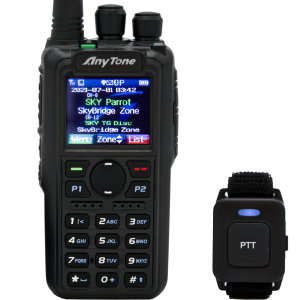
A handheld may help you learn satellite tracking and antenna pointing, but it is generally not the right tool for capturing 9k6 GMSK/Skylink telemetry. An SDR or receiver chain that preserves the signal correctly is a better starting point.
What is the most useful first goal?
Make a clean, time-stamped receive recording of a confirmed pass. If you can see the signal, track the Doppler, and preserve IQ data, you have a strong foundation for later decoding and responsible digipeater operation.
How often should I recheck status?
Before every session. Small satellites can change operating modes, schedules, or availability. Current status matters more than old notes.