Why Dire Wolf APRS 1.8.2 deserves a careful tune-up
Dire Wolf APRS 1.8.2 is not the kind of update an APRS or packet operator should treat as routine background maintenance. The Dire Wolf changelog lists May 2026 fixes related to a KISS stack overflow and MIC-E packet abort behavior. For a home node, club digipeater, Winlink-adjacent packet station, or receive-only IGate, that combination points to two practical jobs: apply the security and stability fixes, then verify that the station still passes packets correctly.
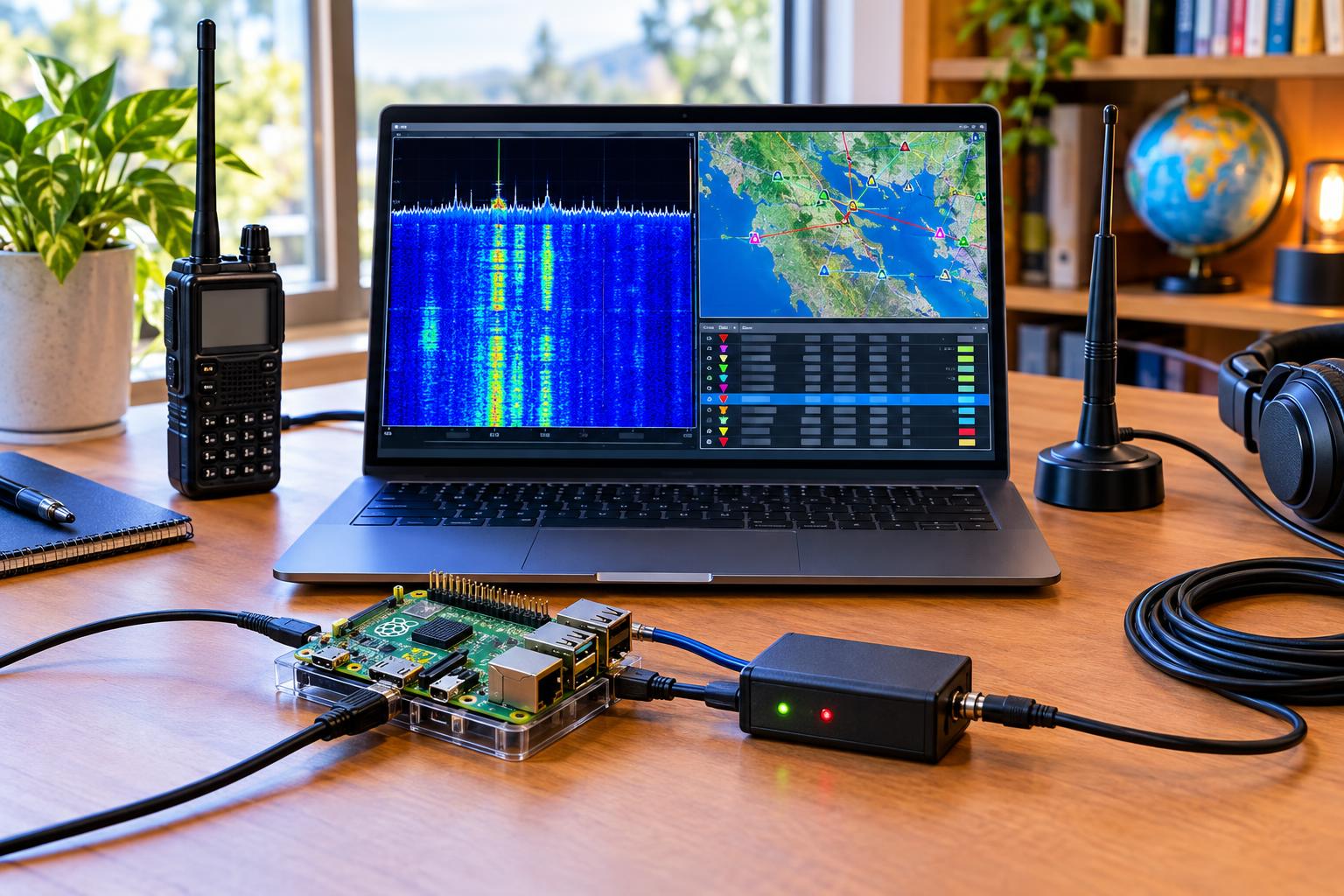
Dire Wolf is widely used because it can turn an ordinary computer or single-board computer plus sound interface into a capable packet TNC, APRS modem, digipeater, and IGate component. That flexibility also means a small configuration mistake can affect more than one service. A KISS port might feed a mapping client. A radio audio path might support both local APRS monitoring and an Internet gateway. A club node may be reachable by several operators who assume it is working.
The checklist below is written for US amateur radio operators running VHF APRS, typically around 144.390 MHz in the United States, but the same process applies to other packet channels where your license privileges and local band plan permit operation. Always follow current FCC rules, your license class privileges, local coordination practices, RF exposure requirements, and any emergency communications group procedures that apply to your station.
Pre-upgrade checklist: preserve the known-good station
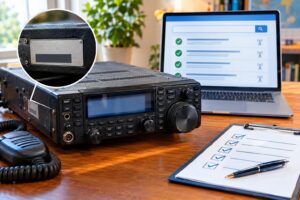
Before touching software, capture the present state of the node. The goal is not to create a perfect laboratory record; it is to make sure you can roll back or diagnose a problem without guessing.
- Save the Dire Wolf configuration file. Make a dated copy of direwolf.conf or your custom configuration path. Include any files referenced by scripts or service managers.
- Record the running version. Note the old Dire Wolf version, operating system version, sound device name, and whether the node starts manually or as a service.
- Document radio settings. Record VFO frequency, data jack or speaker/mic connection, squelch setting, volume, transmit power, CTCSS if used for a non-APRS packet channel, and whether pre-emphasis or data mode is involved.
- Capture network exposure. Identify whether KISS, AGWPE-compatible ports, remote shell access, or web dashboards are reachable only on localhost, the LAN, a VPN, or the public Internet.
- Save a baseline heard-list. Copy or screenshot the station’s recent decoded callsigns, paths, and timestamps from Dire Wolf output, your APRS client, or your IGate monitoring tool.
- Protect credentials. Keep APRS-IS passcodes, login strings, and SSH keys out of screenshots and shared troubleshooting posts.
If the node is used by a club, ARES group, event team, or repeater site, announce a short maintenance window. APRS is not a guaranteed life-safety service, but operators may still rely on local situational awareness. Avoid surprise downtime during drills, public-service events, severe weather nets, or planned exercises.
Security focus: KISS should be reachable only where needed
The KISS protocol lets applications talk to Dire Wolf as if it were a TNC. That is useful for APRS clients, packet programs, and test tools, but it is also a reason to check network boundaries after an update. The 1.8.2 changelog’s KISS stack overflow fix is a reminder that TNC interfaces should not be casually exposed.
For most home stations, a KISS TCP port only needs to listen on the same computer or on a trusted local LAN. If an APRS client runs on the same Raspberry Pi, mini PC, or shack computer, binding to localhost is usually preferable. If another computer on the LAN must connect, restrict access with the host firewall and your router. Do not port-forward KISS services to the public Internet unless you have a specific, well-understood reason and compensating controls.
After upgrading, verify that the service starts with the expected user account and permissions. A soundmodem process does not normally need broad administrative access after installation. Also confirm that old service files are not launching a second copy of Dire Wolf. Two instances fighting over the same audio interface can create intermittent receive failure, odd transmit behavior, or misleading test results.
Install or update from a trusted source
Use the release method appropriate for your operating system and station maintenance policy. Some operators build from source. Others install packaged binaries. Whichever method you use, prefer the official project repository or trusted operating system packages, and avoid random repackaged downloads.
The official Dire Wolf changelog is the primary source for what changed. Read the notes for 1.8.2 and any skipped versions between your current installation and the new one. If you are upgrading from a much older release, do not assume that only the 1.8.2 fixes matter; defaults, examples, or supported behaviors may have changed earlier.
After installation, run Dire Wolf once in a visible terminal if practical. Watch for configuration warnings, missing audio devices, invalid callsign syntax, APRS-IS login problems, or complaints about ports already in use. Only then return it to unattended service operation.
Retest audio before blaming the network
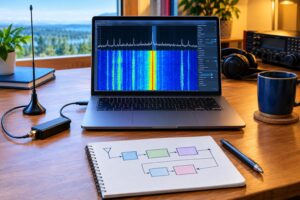
Many APRS problems that look like software failures are actually audio-level problems. A successful upgrade should not require retuning the station, but it is wise to recheck because a new sound device index, operating system update, or changed mixer setting can quietly break decoding.
- Receive audio: Dire Wolf should decode clean local packets without constant clipping warnings or very low-level indications. If nothing decodes, check the radio volume, data output setting, sound card selection, and squelch.
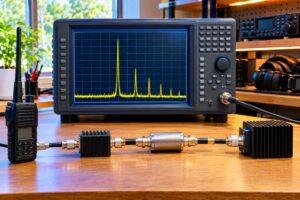
- Transmit audio: If your station transmits, use a service monitor, second receiver, local packet monitor, or cooperative nearby station to confirm that packets are not overdriven. Do not tune by ear alone if better tools are available.
- PTT control: Confirm that the transmitter keys and unkeys cleanly. Watch for stuck PTT, delayed release, or transmit attempts while another station is active.
- RF path: Check antenna, feed line, SWR where appropriate, power supply voltage, and duty-cycle limits. Packet bursts are brief, but unattended stations still deserve conservative hardware settings.
Use the minimum transmitter power needed for reliable local coverage. More power does not fix a congested APRS channel and can make hidden-node issues worse. On shared VHF channels, clean audio and good antenna placement usually matter more than brute force.
KISS retest procedure after Dire Wolf APRS 1.8.2
Once Dire Wolf is running and decoding, test the KISS path from the client application outward. Keep the first test simple and local.
1. Confirm the KISS listener
Check that the configured KISS service is enabled only on the intended interface and port. If the client runs on the same machine, test with localhost. If it runs from another computer, test from that computer and from a machine that should not have access. The second result is just as important: an unauthorized device should fail to connect.
2. Connect one client at a time
Start with a single APRS or packet client. Confirm that it connects, remains connected, and can receive decoded frames from Dire Wolf. If multiple programs normally share the TNC, add them back one at a time. This avoids confusing a software bug with a client conflict.
3. Verify transmit gating and beaconing rules
If your client can transmit through KISS, send only a lawful, necessary test packet using your assigned call sign and an appropriate SSID. Avoid repeated beacon spam. For a fixed home station, one clearly identified test or normal scheduled beacon is enough to prove the path. Confirm that the transmitted path matches your intended APRS practice and does not create excessive hops.
4. Watch for malformed or dropped frames
Dire Wolf’s terminal output can reveal whether frames are accepted, rejected, gated, or malformed. For this update, pay attention to MIC-E position packets and any client behavior that previously seemed to abort or stop processing. Do not assume every bad packet is your fault; the APRS channel contains misconfigured trackers, weak signals, and collisions. Look for patterns tied to your own station or client.
MIC-E packets: what to verify without overcomplicating it
MIC-E is an APRS position encoding format commonly used by trackers and radios. Operators do not need to memorize the full encoding scheme to perform a useful post-upgrade check. The practical question is whether Dire Wolf continues decoding and forwarding valid MIC-E packets without abnormal abort behavior.
Use real received traffic if your area has active trackers. Compare Dire Wolf’s decoded output with an APRS client display. You are looking for reasonable callsigns, positions, symbols, speeds, courses, and timestamps where available. A single bad decode from a weak mobile station is not proof of a problem. Multiple failures from strong nearby stations, especially after the upgrade, deserve investigation.
If you operate your own tracker, test sparingly. Confirm that your tracker’s position appears correctly on your local client and, if you operate an IGate, that Internet gating follows your configuration and the APRS-IS rules. Do not drive unnecessary test loops solely to generate traffic.
Verify your IGate heard-list
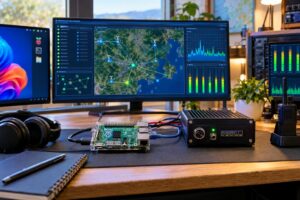
An IGate can appear healthy while still missing important local traffic. After installing Dire Wolf APRS 1.8.2, review the heard-list from three angles: RF decode, APRS-IS connection, and gating behavior.
- RF heard: Are familiar local digipeaters, weather stations, mobiles, and fixed stations still being decoded?
- Time distribution: Are packets arriving throughout the hour, or only immediately after restart?
- Signal quality: Are many packets flagged as corrupt, clipped, or too weak compared with your baseline?
- Duplicate awareness: Is your IGate hearing direct RF stations, or mostly repeats from a wide-area digipeater?
- APRS-IS status: Is the server connection stable, and is the login using the intended callsign-SSID?
For a receive-only IGate, the key success measure is accurate local receive and correct forwarding according to your configuration. For a transmit-capable IGate, add extra caution. RF-to-Internet gating and Internet-to-RF messaging can be useful, but misconfiguration may generate unwanted transmissions. Confirm that any transmit gating complies with your license privileges, station control requirements, and local APRS norms.
Home and club node examples
Home receive-only IGate
A typical home IGate uses a VHF radio, sound interface, Dire Wolf, and an APRS-IS connection. After the update, the operator should verify audio device selection, confirm decode of several local packets, check that the APRS-IS login succeeds, and make sure no KISS port is exposed beyond the local machine unless needed. The heard-list should resemble the pre-upgrade baseline, allowing for normal traffic variation.
Club digipeater and IGate
A club station needs more discipline. Back up the configuration, record maintenance time, test with at least one local operator monitoring RF, and confirm that the digipeater alias, beacon text, location, and path settings are unchanged. If the station supports KISS for a mapping display in an emergency operations center, restrict that access to the appropriate LAN or VPN and document how to reconnect clients after a reboot.
Portable event packet station
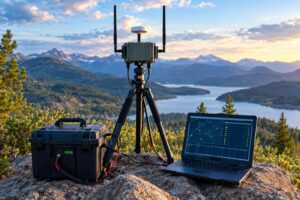
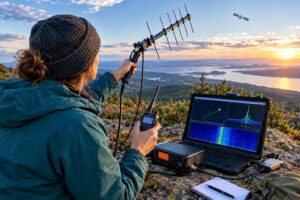
For field use, perform the upgrade well before deployment. Test with the same laptop, battery, USB sound device, radio, and cables planned for the event. Label cables, disable unnecessary network services, and keep a copy of the previous configuration on removable media. Portable problems are often mechanical or power-related, not software-related.
Troubleshooting quick checks
- No decodes: Confirm frequency, squelch, audio input selection, radio volume, sound permissions, and antenna connection.
- Decodes but no client traffic: Check KISS enablement, host and port, firewall rules, and whether another program already occupies the connection.
- Client connects but transmit fails: Check PTT method, radio interface cable, transmit inhibit settings, and whether Dire Wolf is configured for transmit.
- IGate receives but does not forward: Verify APRS-IS server settings, passcode, Internet connectivity, callsign-SSID, and gating options.
- Station hears less than before: Compare audio levels, antenna condition, feed line water intrusion, power supply noise, and nearby RF interference.
- Unexpected network exposure: Review listener addresses, firewall policy, router port forwards, and VPN rules.
Safety and regulatory reminders
Unattended packet stations still require responsible station control. Use your assigned call sign, follow FCC Part 97 rules, and avoid transmitting encrypted or inappropriate content on amateur frequencies. Keep RF exposure compliance in mind, especially for antennas near occupied areas. Use proper fusing on DC power leads, strain relief on cables, weather protection outdoors, and lightning protection appropriate to the installation. Disconnect or protect equipment when severe weather threatens, following your station safety plan.
For emergency and off-grid communications groups, document the tested configuration instead of relying on memory. A station that worked during a quiet evening at home may behave differently on generator power, a crowded event channel, or a temporary mast. Good notes make the next operator safer and faster.
Key takeaways
- Dire Wolf APRS 1.8.2 should be treated as both a security and operational update because the changelog identifies KISS and MIC-E related fixes.
- Back up before upgrading so you can compare configuration, heard-lists, and service behavior.
- Restrict KISS access to localhost, a trusted LAN, or a controlled VPN unless you have a specific reason otherwise.
- Retest from RF to client to APRS-IS rather than assuming one successful decode proves the entire node.
- Review the IGate heard-list for familiar local stations, timing, decode quality, and unexpected gaps.
FAQ
Do I need to upgrade if my APRS node seems to work?
If you run an affected version, the 1.8.2 fixes are worth serious attention, especially if KISS is enabled or reachable over a network. A station can appear to work while still containing a security or packet-handling defect.
Should my KISS port be available from the Internet?
In most amateur station setups, no. Keep KISS local or restricted to trusted networks. If remote access is required, use a controlled method such as a VPN and limit who can connect.
How many packets prove my IGate is working?
There is no universal number. Look for a reasonable sample of familiar local stations over time, compare with your pre-upgrade baseline, and verify that the APRS-IS connection and gating rules are operating as intended.
Can I test by beaconing repeatedly?
Avoid unnecessary repeated test beacons on a shared APRS channel. Use normal beacon intervals, one clearly identified test when needed, or receive-side monitoring whenever possible.