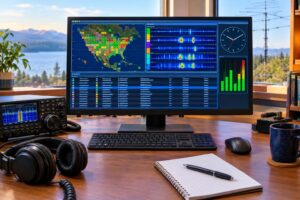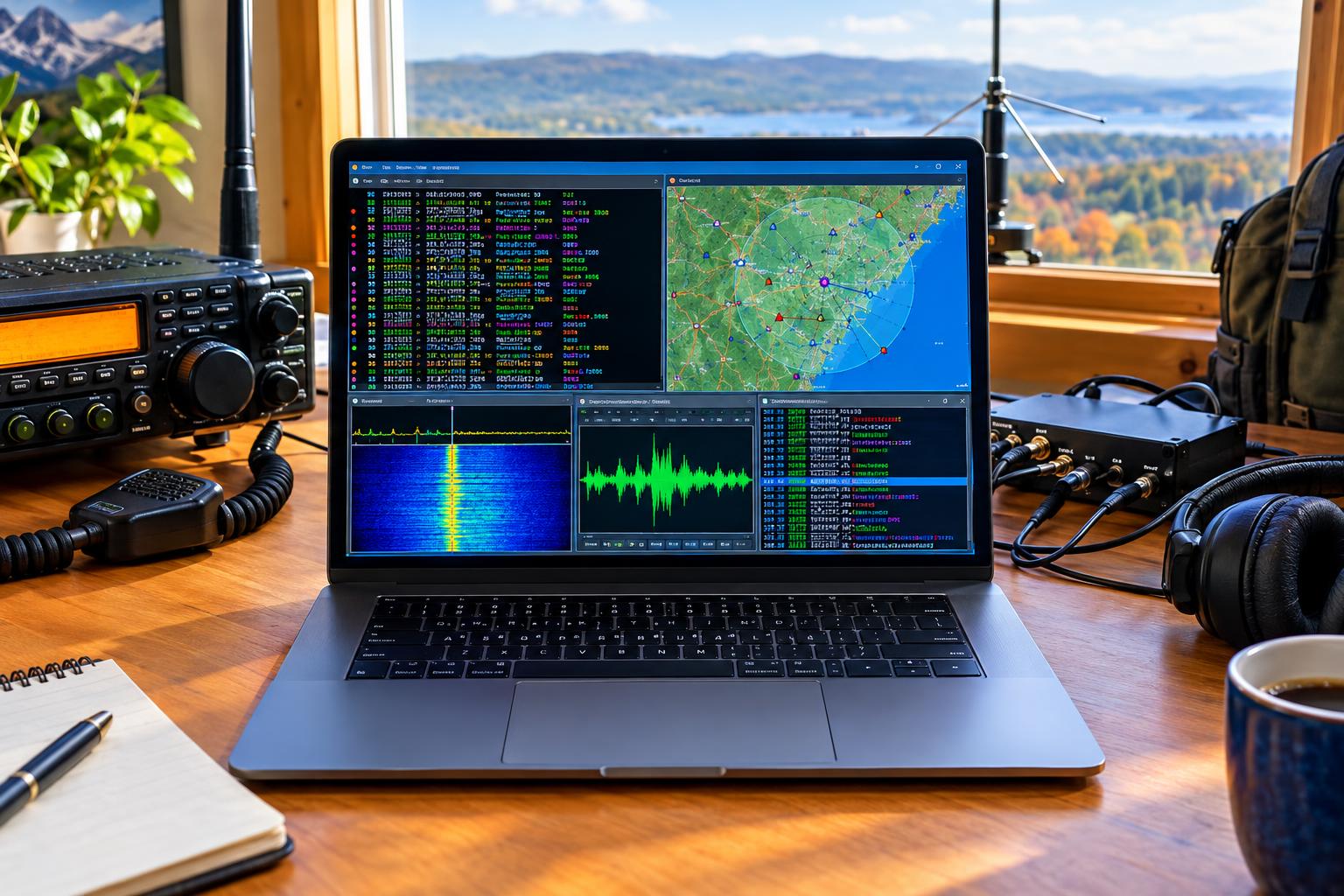
Why an APRS Coverage Audit Starts With Receive-Only Monitoring
An APRS soundcard TNC is one of the most useful diagnostic tools a VHF operator can build. Instead of guessing whether a local digipeater, IGate, antenna, or mobile setup is helping, you can listen to the 1200-baud AFSK APRS channel, decode packets, and inspect what is actually being heard.
In much of the United States and Canada, terrestrial APRS activity is commonly found on 144.390 MHz, but always verify local band plans, coordination practices, and your license privileges. The receive-first approach keeps the audit low-risk: no new RF transmitter, no added channel congestion, and no accidental path flooding while you are still learning what the local network needs.
The research hook for revisiting this in 2026 is timely. Dire Wolf continues to be actively maintained, with beta activity visible in its release history, and Samoyed is a pre-release Go-based packet TNC project worth watching. At the same time, APRS device-ID handling remains important because destination fields and software identifiers help the wider APRS ecosystem interpret what generated a packet. None of that replaces good RF practice, but it makes a careful audit more valuable.
The Basic Receive Chain
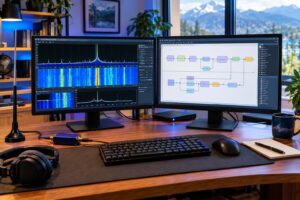
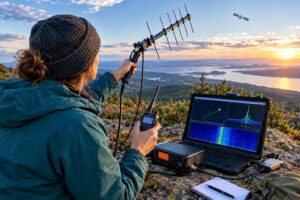
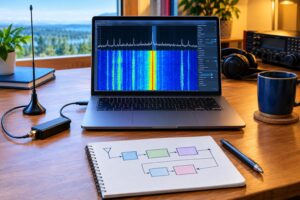
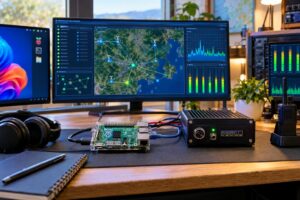
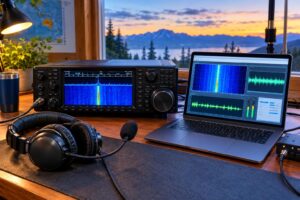
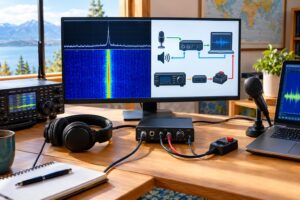
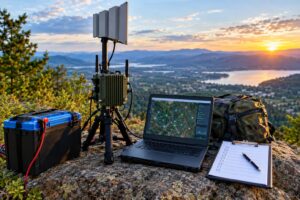
A practical APRS monitor has five parts:
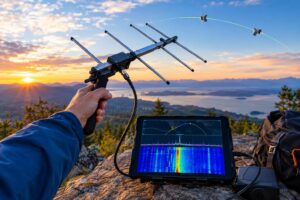
- Antenna: A simple outdoor 2-meter vertical usually outperforms a rubber duck indoors. Height and clear surroundings matter more than exotic gain claims.
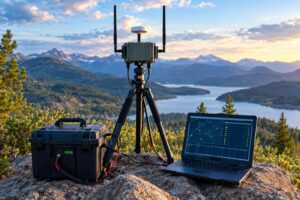
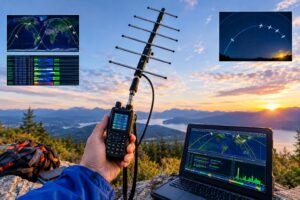
- Receiver: A 2-meter FM radio, scanner with suitable audio, or SDR feeding demodulated audio. If possible, use a fixed receiver rather than changing radios during the audit.
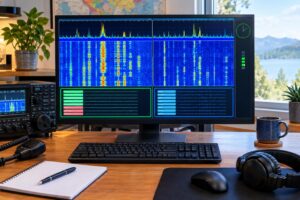
- Audio interface: A USB sound card or radio interface with clean receive audio. Avoid overdriving the input; distorted AFSK audio reduces successful decodes.
- Software TNC: Dire Wolf is the established choice. Samoyed may be useful for comparison, but treat pre-release software as experimental.
- Logger or client: A terminal, KISS-connected application, or custom log process that records decoded frames for later review.
For an audit, stability matters more than complexity. Use one antenna location, one feed line, one receiver, and one audio path when comparing software. If you change several variables at once, you cannot tell whether a decoding difference came from the TNC, audio level, antenna, receiver squelch, or propagation.
Dire Wolf, Samoyed, and KISS in Plain Language
Dire Wolf
Dire Wolf is a widely used software TNC for AX.25 packet and APRS. It can decode AFSK audio from a sound card and present packets to applications using interfaces such as KISS or network sockets, depending on configuration. For coverage auditing, its value is that it can print decoded packets and diagnostic information in a human-readable way while also serving APRS clients.
Samoyed
Samoyed is a Go-based packet TNC project hosted on GitHub. Because it is described as pre-release, it should be approached as evaluation software rather than a proven unattended service component. That does not make it uninteresting. It may be useful for side-by-side receive experiments, code review, or learning how modern packet TNCs are being designed.
KISS
KISS is not an APRS format by itself. It is a simple way for a host application to talk to a TNC using AX.25 frames. In a coverage audit, KISS is useful because it separates the decoder from the application. The software TNC handles audio-to-packet work; the APRS program, logger, or IGate software handles interpretation, display, and network forwarding.
A key caution: if one decoder is connected by KISS to a full APRS client and another is only printing packets to a terminal, make sure you compare raw decoded frames, not just what appears on a map. Client filters, duplicate suppression, and APRS-IS behavior can hide important differences.
Set Up a Receive-First Audit Station
Start with a clean receive station before enabling any IGate or digipeater function.
- Disable transmit: Do not connect PTT, VOX, or transmit audio until you have a reason to transmit and a verified configuration.
- Open the squelch carefully: Many packet decoders prefer consistent audio. A tight squelch can clip packet starts; a fully open noisy channel can be fatiguing and may not help. Test what your receiver and decoder prefer.
- Set audio conservatively: Too little audio produces missed decodes; too much produces clipping. Use decoder level indications if available and adjust gradually.
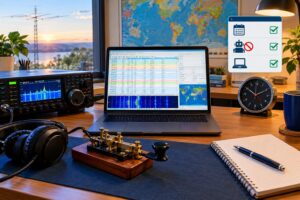
- Use accurate time: Keep the logging computer synchronized. Time alignment is essential when comparing logs from multiple decoders.
- Record configuration notes: Antenna type, approximate height, feed line, receiver model, audio interface, software version, and major settings.
Run the station long enough to capture typical local activity: commuting periods, quiet hours, weather packets, fixed stations, mobiles, and any special event or public-service traffic that happens to be present. Do not assume a 10-minute sample represents the network.
What to Log for Packet Health
Packet health is not a single official APRS score. For an audit, it is a practical set of observations that help you answer: who can I hear, how do packets travel, and where is the network wasting airtime?
For each decoded packet, log or preserve:
- Timestamp: When your station received it.
- Source call sign and SSID: The originating station.
- Destination field: Often used by APRS software and devices for identification.
- Path: Direct, digipeated, or involving WIDEn-N elements.
- Payload type: Position, message, telemetry, object, status, weather, or other APRS information.
- Decoder diagnostics: Audio level, error-correction notes, or other indicators if your TNC reports them.
- Duplicate patterns: Same packet heard multiple times through different paths.
Do not overinterpret a decoder’s packet count by itself. A TNC that prints more lines may be printing duplicates, local noise artifacts filtered elsewhere, or packets your application later suppresses. Conversely, a stricter decoder may print fewer packets but provide cleaner output. Compare valid AX.25/APRS frames and inspect examples.
Comparing Dire Wolf and Samoyed Fairly
A fair comparison uses the same RF and audio source. The best method is to split the same demodulated audio to both programs using a virtual audio cable, operating-system audio monitor, or hardware audio splitter that does not load the receiver output. Avoid comparing one decoder on an outdoor antenna and the other on an indoor radio.
Use the same time window and save complete logs. Then compare:
- Unique packets decoded by both programs.
- Packets decoded by Dire Wolf only.
- Packets decoded by Samoyed only.
- Malformed or questionable frames, if reported.
- Audio level sensitivity and stability over time.
When a packet appears in one log but not the other, look at context. Was there a collision? Was the audio weak? Was the receiver desensing from a nearby transmitter? Did one program start later? Did the operating system steal exclusive access to the sound card?
For a station you depend on, use stable software for unattended service and keep beta or pre-release software on a lab receiver until you understand its behavior. Experimental decoding is valuable; experimental unattended infrastructure on a busy APRS channel requires more caution.
Device-ID Handling and Why It Matters
APRS packets include a destination field that has long been used, in part, to identify software or device families. The APRS device-ID project tracks these identifiers so applications and network tools can interpret them consistently. This is not merely cosmetic. Device IDs help operators and developers understand what generated traffic, spot outdated configurations, and avoid collisions in identifier use.
For an audit, device IDs can help separate traffic types. A weather station, tracker, handheld, home station, software client, or TNC-based gateway may use recognizable destination patterns. However, do not treat device ID as proof of RF quality. A beautifully identified packet can still have a bad path, and an older station may still provide excellent coverage.
If you are developing software or configuring an application that generates APRS packets, use registered identifiers appropriately. If you are only receiving with a soundcard TNC, you generally are observing identifiers rather than creating them.
Deciding Whether an IGate Helps
An IGate receives APRS packets on RF and forwards them to APRS-IS, and some IGates also gate selected Internet traffic back to RF. A receive-only IGate can be genuinely helpful when it hears stations that otherwise do not reach the network. It can be redundant when it simply duplicates packets already heard by several nearby gateways.
Before enabling an IGate, ask:
- Do I hear stations that are not otherwise being gated locally?
- Is my antenna location filling a real geographic gap, such as a valley, highway segment, campus, or rural area?
- Is my Internet connection stable enough for reliable forwarding?
- Will my station identify correctly and comply with applicable amateur rules?
- Am I prepared to monitor logs and fix misbehavior?
For two-way gating, be especially conservative. RF airtime is limited, and gating Internet traffic to RF can create unnecessary channel load if filters are broad or poorly understood. Follow current software documentation, local APRS coordination practices, and applicable FCC rules.
Deciding Whether a Digipeater Helps
A digipeater is more intrusive than a receive-only monitor because it retransmits on RF. It can extend coverage from mobiles and low-power stations, but it can also multiply congestion if placed where coverage is already dense.
Your receive audit should show one of three likely outcomes:
- Clear gap: You consistently hear stations in an underserved area that are not reaching established digipeaters or IGates. A carefully configured fill-in digipeater may help.
- Redundant coverage: Most packets you hear are already repeated or gated by nearby infrastructure. Another digipeater may add duplicates more than usefulness.
- Channel stress: You observe heavy duplicate traffic, long paths, or frequent collisions. The solution may be better path discipline, antenna changes, or coordination rather than another transmitter.
Do not deploy a digipeater just because your station can. Coordinate locally where appropriate, understand WIDEn-N behavior, verify your call sign identification, and consider RF exposure, lightning protection, power reliability, and site access. A low, well-placed fill-in can sometimes be better than a high, wide-coverage transmitter that adds unnecessary repeats.
Common Problems That Distort an Audit
- Clipped audio: Many missed decodes come from audio levels that look loud but are distorted.
- Receiver overload: A strong nearby transmitter can reduce sensitivity even when the APRS frequency is correct.
- Poor antenna placement: Indoor antennas near computers, LED lighting, and metal structures can make coverage look worse than it is.
- Changing too many variables: Moving the antenna, changing sound cards, and switching decoders in the same session produces confusing results.
- Map-only analysis: APRS maps are useful, but raw packet logs reveal paths, duplicates, and device fields that maps may hide.
- Assuming silence means no need: A quiet area may lack APRS users, or it may lack coverage. Compare with mobile monitoring and local operator input before drawing conclusions.
Key Takeaways
- An APRS soundcard TNC is ideal for a receive-first coverage audit because it lets you study RF activity before transmitting.
- Dire Wolf remains a practical baseline; Samoyed is worth watching and comparing, but pre-release software should be evaluated cautiously.
- KISS connects TNCs to applications, but it is not a substitute for understanding AX.25 paths and APRS payloads.
- Packet health means more than packet count: examine paths, duplicates, unique stations, timing, and decoder diagnostics.
- An IGate or digipeater helps only if it fills a real coverage gap without adding unnecessary RF congestion.
FAQ
Can I run an APRS audit without transmitting?
Yes. A receive-only monitor can decode packets and build a useful coverage picture without adding RF traffic. If you forward packets to APRS-IS or transmit as an IGate or digipeater, use your own valid call sign and follow current rules and software documentation.
Is Dire Wolf better than a hardware TNC?
Not automatically. Dire Wolf is flexible and often convenient because it uses a sound card and modern computer, but hardware TNCs can still be appropriate in dedicated installations. The right answer depends on receiver audio quality, stability requirements, operating environment, and maintenance expectations.
Should I use beta software for my main IGate?
For unattended infrastructure, stable releases are usually the safer choice. Beta and pre-release software are better evaluated on a separate receive station until you understand their performance and failure modes.
How long should an audit run?
Run long enough to capture the operating patterns you care about. A few hours may reveal basic local activity, while several days can show commuting patterns, weather stations, weekend mobiles, and intermittent coverage gaps.