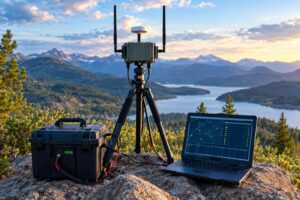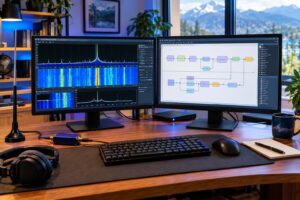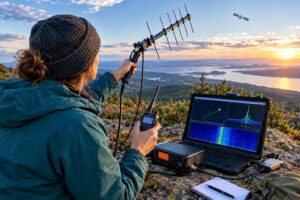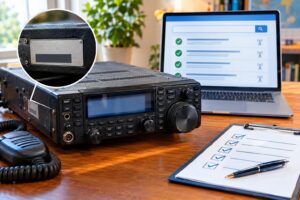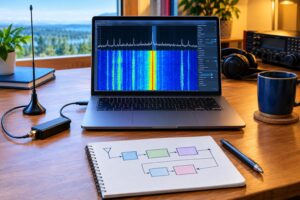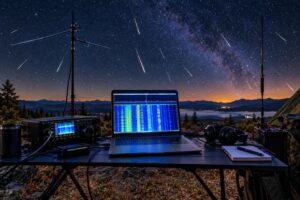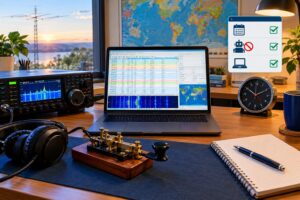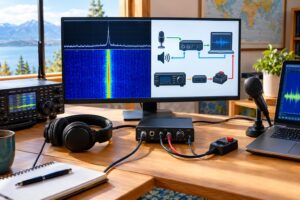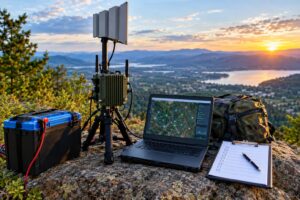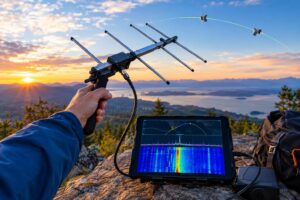
ADIF 3.1.8 logging matters most when a perfectly good QSO fails to earn the award credit you expected. The radio contact may be valid, the confirmation may arrive, and the operator may have done everything right on the air, yet a missing summit reference, wrong station location, stale DXCC code, or malformed time field can make an upload fall short.
ADIF 3.1.8 was released on October 12, 2026, with the current field definitions operators should audit before bulk uploads. The practical goal is not to memorize the entire specification. It is to make the small set of fields that affect portable operation, SOTA, LoTW, and DXCC survive the trip from your logger to every service that reads your file.
Start With the Rule That Saves the Most Trouble
ADIF is an interchange format. It is not the final authority on every award program, and it does not force every upload site to use every field. A clean ADIF file can still be interpreted differently by different services. That is why the safest workflow is to maintain one accurate master log, export a small test batch, inspect the ADIF text, and only then upload the full file.
A typical ADIF record uses named fields with a length value, followed by <EOR> at the end of the contact. For example, <CALL:5>K1ABC says the CALL field contains five characters. If you hand-edit a value and do not update the length, some importers may truncate, reject, or misread the field. If your logging software exports the file, let the software calculate field lengths whenever possible.
The Core QSO Fields Every Award Upload Needs
Before chasing SOTA or DXCC-specific problems, confirm the basic QSO identity fields are correct. Most matching and credit systems depend on these first:
- CALL: the other station’s call sign as worked, not your own call sign.
- QSO_DATE: UTC date in YYYYMMDD format.
- TIME_ON: UTC start time, commonly HHMM or HHMMSS depending on the export.
- BAND and FREQ: band and frequency should agree. If your logger stores both, do not let one say 20 meters while the other implies 40 meters.
- MODE and SUBMODE: use current ADIF values. For digital modes, the submode can matter.
- STATION_CALLSIGN: the call sign you used on the air, especially important if you operated portable, with a club call, as a guest operator, or under a special event call.
- OPERATOR: the control operator or person who made the contact, useful when the station call and operator are not the same.
Many failed uploads trace back to UTC confusion. If you log a local evening QSO after 0000 UTC, the date may be tomorrow in the log even though it felt like today at the operating position. Award systems generally care about UTC because both sides must match the same contact.
Portable Operation: Preserve Where You Were, Not Just Who You Worked
Portable logs often fail because the contact record accurately says who you worked, but not where you were when you worked them. That matters for grid, state, county, park, summit, and station-location-dependent awards.
Audit these station-side fields when exporting portable contacts:
- MY_GRIDSQUARE: your Maidenhead grid at the operating site. Use enough precision only if it is correct.
- MY_STATE: your state or primary subdivision, where applicable.
- MY_CNTY: your county, when supported and relevant.
- MY_COUNTRY and MY_DXCC: your country/entity, useful for stations that operate from more than one DXCC entity.
- MY_LAT and MY_LON: useful for detailed portable records, but do not invent coordinates. If you were not sure, leave them out or correct them before export.
- STATION_CALLSIGN: the exact call sign used over the air, including portable call sign practices where they are actually part of what you sent or logged.
A common mistake is to import a portable activation into a home-station profile. The resulting ADIF may show your home grid, home county, or home state. That can damage downstream award credit even if the QSO itself is otherwise correct. Create separate station profiles or locations in your logger for home, rover, SOTA, POTA-style portable, vacation, and club operations.
SOTA Fields: Activator and Chaser Data Are Not the Same
SOTA-style logging requires careful separation between the summit you activated and the summit or reference associated with the other station. In ADIF practice, station-side and contacted-station-side fields must not be swapped.
- MY_SOTA_REF: the summit reference for your own operating location when you are the activator.
- SOTA_REF: the other station’s summit reference when the contacted station is associated with a summit.
- MY_SIG and MY_SIG_INFO: general station-side special-interest fields that some operators use for award references when a more specific field is not available or not supported by a target importer.
- SIG and SIG_INFO: corresponding fields for the contacted station’s special-interest information.
For a summit-to-summit QSO, both sides may matter. Your contact might need MY_SOTA_REF for your summit and SOTA_REF for the other summit. If your logger has a single field labeled “SOTA,” check the exported ADIF to see which ADIF field it actually creates.
LoTW: Match the QSO, Then Match the Station Location
Logbook of The World is often discussed as if it simply consumes whatever ADIF fields are present. In practice, the station location associated with the signed upload is critical. Your ADIF export and the station location selected during the signing/upload process need to describe the same operation.
Before uploading portable contacts to LoTW, check:
- The call sign used: does the ADIF STATION_CALLSIGN match the call sign/certificate context you are using?
- The operating location: does the selected LoTW station location correspond to the state, county, grid, and DXCC entity of the portable site?
- The time range: are contacts signed under the correct certificate and valid operating period?
- The QSO facts: date, time, band, mode, and call must be close enough to match the other operator’s upload under LoTW rules.
If you worked from three counties in one day, do not upload all contacts under a single home or generic portable location unless that location truly represents every QSO. Split the ADIF by operating location or use logging software that exports location-specific batches. When LoTW processing appears delayed, check the official ARRL Logbook Queue Status rather than repeatedly changing a file that may already be waiting in the queue.
DXCC Fields: Keep Entity Data Current Without Overwriting Reality
DXCC credit depends on the contacted station’s entity, not just the letters in the call sign. Prefixes are helpful clues, but they are not always enough. Portable operations, remote stations, special event calls, historical entity changes, and ambiguous prefixes can all produce mistakes.
Review these fields carefully:
- DXCC: the ADIF DXCC entity code for the contacted station.
- COUNTRY: the country/entity name as stored by the logger.
- CONT: continent.
- CQZ and ITUZ: CQ and ITU zones, if known.
- STATE, CNTY, and GRIDSQUARE: useful for domestic and grid-based awards, and sometimes relevant to cross-checking location.
- QSL_RCVD, LOTW_QSL_RCVD, and related confirmation fields: confirmation status should not be treated as proof that the entity field is correct.
Do not bulk-update DXCC fields blindly from a prefix lookup without reviewing exceptions. A better cleanup method is to filter for missing or suspicious entities, correct those QSOs, export a test file, and confirm that the target system interprets them as expected. The ARRL DXCC and LoTW FAQ is the appropriate starting point for how DXCC and LoTW interact.
A Safe Cleanup Workflow Before a Bulk Upload
Use this process before sending hundreds or thousands of contacts to an award or confirmation service:
- Back up the original log in your logger’s native format and as an ADIF export. Do not perform cleanup on your only copy.
- Update your logging software or at least confirm that its ADIF export supports the current fields you need.
- Export a small sample containing one home QSO, one portable QSO, one SOTA QSO if applicable, one DX contact, and one digital-mode QSO.
- Open the ADIF in a plain-text editor and inspect field names, field lengths, UTC dates, times, band/mode values, and station-side fields.
- Validate field spelling against the current ADIF specification at ADIF Current.
- Upload the sample first if the service allows it, then check whether the imported record shows the expected location and award data.
- Split by station location before LoTW signing or any upload process that depends on where you operated.
- Only then export the full batch, keeping the exact file you uploaded for future troubleshooting.
This workflow is slower than clicking “upload all,” but it prevents the hardest category of logging problem: a large batch of contacts imported under the wrong location or with systematically wrong award fields.
Example: One Portable Summit Contact
Suppose you operated as W1ABC from a summit in Colorado, worked N5XYZ on 20-meter SSB, and want the record to support both ordinary QSO matching and summit credit. The cleaned record should clearly identify the other station, the UTC contact details, your station call, your portable location, and your summit reference.
The important idea is not the exact fictional call signs. It is field ownership. CALL is N5XYZ. STATION_CALLSIGN is W1ABC if that is what you used. MY_STATE, MY_GRIDSQUARE, and MY_SOTA_REF describe your operating site. If N5XYZ was also on a summit, then SOTA_REF would describe N5XYZ’s summit, not yours.
Common Failure Patterns
- Home location attached to portable contacts: fix by separating station profiles and re-exporting by location.
- Local time exported as UTC: correct the logger’s time-zone handling before export; do not patch only one visible field.
- Mode/submode mismatch: verify modern digital modes against the current ADIF enumeration.
- Changed field values with old length tags: regenerate the ADIF from software or update the length correctly.
- Summit reference in the wrong direction: confirm whether the field is yours or the contacted station’s.
- Assuming LoTW uses every ADIF location field directly: check the selected station location and signing context.
FAQ
Should I edit ADIF by hand?
Small corrections are possible, but hand editing is risky because ADIF field lengths must match the value. For more than a few records, correct the data inside your logging program and export again.
Do I need both BAND and FREQ?
Many logs include both, and that is useful. They should agree. If frequency says 14.074 MHz and band says 40 meters, expect confusion somewhere in the import chain.
Will a correct ADIF file guarantee award credit?
No. ADIF is only the data exchange layer. Award rules, confirmation requirements, station-location handling, certificate status, and the other operator’s upload all matter.
Where should I check the official ADIF rules?
Use the ADIF site at adif.org.uk and the current specification page at ADIF Current. For LoTW and DXCC questions, use the ARRL pages linked above.
Key Takeaways
- Audit station-side fields before portable, SOTA, and LoTW uploads.
- Keep contacted-station fields separate from your own operating-location fields.
- Use UTC date and time consistently.
- Do not bulk-update DXCC data from prefixes without reviewing exceptions.
- Split uploads by station location when the upload system depends on where you operated.
- Check ADIF 3.1.8 field definitions before a large export, especially after software updates or award-program changes.
Good logging is part operating practice and part data hygiene. A careful ADIF 3.1.8 cleanup gives your QSOs the best chance to import cleanly, match correctly, and carry the award-credit details you earned on the air.